How to See Competitors' Facebook Ads (Free, in 2 Minutes)
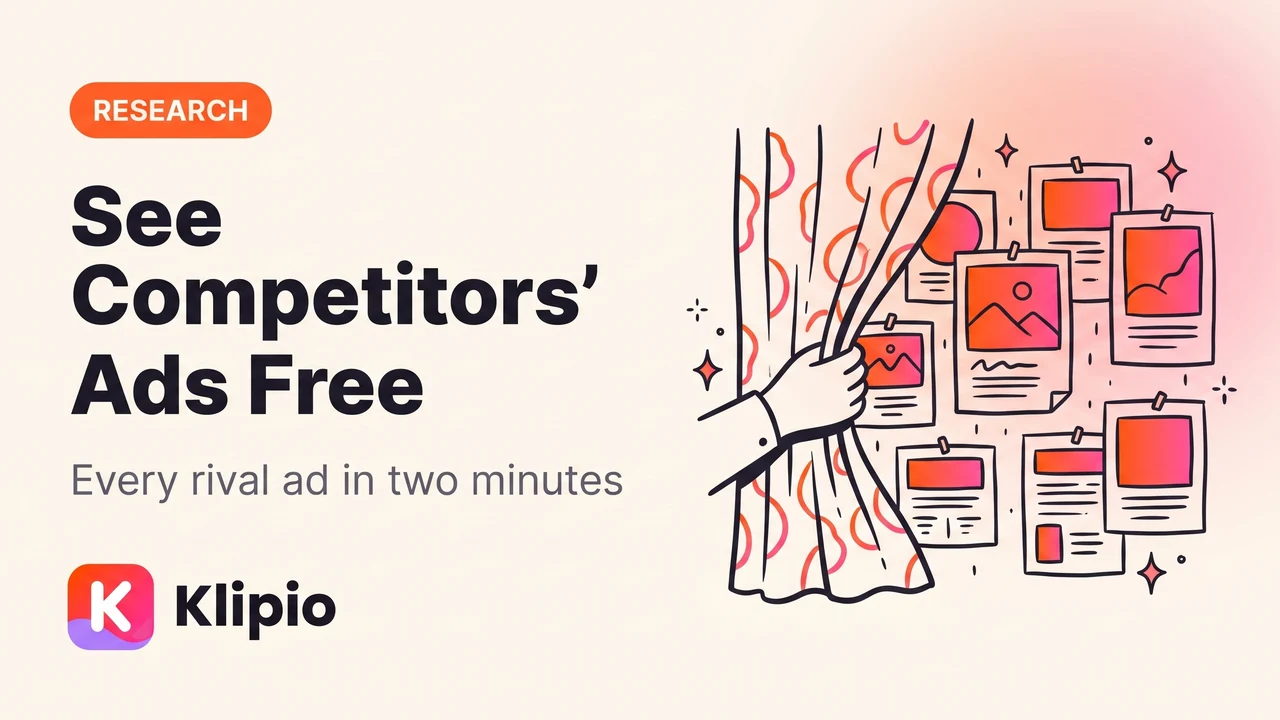
You can see every Facebook and Instagram ad any competitor is running, right now, for free, at the Meta Ad Library: facebook.com/ads/library. No account needed, no tool needed, and it works for any advertiser in the world.
That's the two-minute version, and honestly, most articles stop there. But looking at a competitor's ads and learning something from them are two very different skills. I run competitor checks every week as part of my media buying routine, and the value isn't in seeing the ads. It's in reading which ones are working, and Meta gives you enough signal to do that if you know where to look.
This post covers all three levels: finding the ads, telling winners from filler, and turning the whole thing into a weekly habit that quietly feeds your creative pipeline.
Where can I see competitors' Facebook ads?
Go to facebook.com/ads/library. This is Meta's own transparency tool. It exists because regulators required political ad transparency, and Meta extended it to every ad on Facebook, Instagram, Messenger, and the Audience Network.
The basic search takes about a minute:
- Set the country. Pick the market you care about, or "All" if you want their global footprint.
- Set ad category to "All ads."
- Type the competitor's Facebook Page name into the search bar and pick their page from the dropdown.
You'll see every ad that page is currently running: the creative, the primary text, the headline, the call to action, which platforms it runs on, and a "Started running on" date under each one. In the EU you can also see inactive ads and some limited targeting information; for US political ads you get spend ranges too. For a normal ecommerce or SaaS competitor outside the EU, you see active ads only.
Two things trip people up. First, the search is exact-match and clunky, so if "Glow Skincare" returns nothing, try the exact name from their Facebook page, or paste their page URL. Second, you're searching pages, not websites, so a brand that advertises under a different page name (common with resellers and sub-brands) won't show up under the name you know them by.
There's a second route worth knowing: visit the competitor's Facebook page, scroll to the "Page transparency" section, and click "Go to Ad Library." That link is reliable even when search isn't, because it goes straight to the correct page ID.
If you want the full tour of everything the Ad Library can do, including its filters and its blind spots, I wrote a complete walkthrough in the Meta Ad Library guide.
How do I read what a competitor is actually running?
Once the results load, resist the urge to skim. A competitor's ad list is a document about their strategy, and it rewards a slower read.
Here's what I note on a first pass:
How many ads are live. Five ads means a small test budget or a hands-off agency. Fifty means an active creative operation. Two hundred means they're spending seriously and iterating constantly.
The mix of formats. All statics? All video? A pile of carousels pointing at collection pages? The format mix tells you where their production capability is, and where you might outflank them.
What the hooks are doing. Read the first line of every ad's primary text. Patterns jump out fast: are they leading with a discount, a problem, a claim, social proof? If eight of their ads open with the same objection ("Tired of X that does Y?"), that objection is what their customers actually say.
The landing pages. Click through a few. An ad pointing at a product page is doing direct response. An ad pointing at a quiz or advertorial is a funnel play. Different games, different lessons.
That's level one, and it's where most people stop. Level two is where the real edge is.
How can I tell which of their ads are actually working?
Meta shows no performance data for normal ads. No spend, no clicks, no engagement. So people assume you can't tell winners from losers. You can. Advertisers vote with their budgets, and that vote is visible in four places.
1. Ad longevity. Every ad shows a "Started running on" date. Nobody keeps paying for an ad that loses money. An ad that's been live for 60 or 90+ days has survived dozens of budget reviews; it's almost certainly profitable. When I open a competitor's library, the first thing I do is scan the start dates and mentally sort by age. The old ads are the ones worth studying. This signal is strong enough that I wrote a whole piece on it: how to use ad longevity to spot winners.
2. Variant counts. When you see ten near-identical versions of one concept (same hook, different background; same video, different opening frame), that's not indecision. That's scaling. Advertisers spin up variants of a concept only after the original proved itself, because variants let them push more budget without fatiguing one asset. One-off ads are tests. Ten-variant families are winners.
3. Evergreen vs seasonal. Some ads are structurally temporary: a Mother's Day angle, a Black Friday countdown, a launch announcement. Don't read anything into those disappearing. The ads that run through seasons unchanged are the brand's evergreen backbone, and evergreen ads are the most transferable to your own strategy, because they work without a calendar excuse.
4. Cross-check on Instagram. If an ad concept is genuinely working, you'll usually see it echoed in the brand's organic Instagram content, or you'll see the ad itself running on Instagram placements (the Ad Library shows placements per ad). A concept the brand pushes on paid AND organic is a concept they believe in with two budgets, not one.
Put together, these four signals get you surprisingly close to a performance report you were never supposed to have.
How do I make competitor research a weekly routine?
A one-time look tells you what a competitor is running. A weekly look tells you what they're learning. New ads appearing are hypotheses; ads surviving week after week are confirmed winners; ads vanishing after ten days are failed tests. That change over time is the actual intelligence.
My routine is about fifteen minutes on Monday mornings: open the Ad Library for my top four or five competitors, scan for new ads, note anything that crossed the 60-day mark, and check whether any big variant family got expanded or killed.
The one thing the Ad Library refuses to do is let you keep anything. There's no download button and no save button, and when an advertiser stops an ad, it vanishes from the library like it never existed. That's a real problem, because the ad you wanted to study next month is often gone by then.
This is exactly why we built our free extension, Klipio's Meta Ad Library Downloader (disclosure: Klipio is our product). It adds a download button to every ad inside the Ad Library, pulls videos in original HD, images, and full carousels (every card, not just the first). The "Find all ads" bulk mode scrolls a competitor's entire library and packs it into one ZIP, with every ad also indexed in a searchable swipe board and a CSV. It's free, no account, and it runs in your own browser, so nothing passes through our servers. The full workflow is in how to download Facebook Ad Library videos.
When does a paid tracker make sense? Honestly, not on day one. But if you're monitoring ten-plus competitors, or you want alerts when a rival launches something new, dedicated tools earn their fee. Foreplay (from $59/month, $49 on annual) is the best of the swipe-file tools, with a polished board UI and team features. BigSpy (from $9/month, with a free tier) covers multiple ad networks beyond Meta and is the cheapest way to get cross-platform search. Both are good at what they do; neither is necessary for the weekly routine above, which costs nothing.
What do I actually do with what I find?
One warning before the FAQ, because it matters: the goal is never to copy a competitor's ad. Reusing someone else's creative commercially is a fast way into trademark and copyright trouble, and it doesn't even work well, because their creative is tuned to their brand and offer. (That's not legal advice; talk to a lawyer for that.)
Copy the angle, not the asset. If their 90-day winner is a testimonial video opening with a specific objection, the lesson is "this objection, answered by a real customer, in the first three seconds." Brief that pattern to your own team, in your own brand, with your own proof. That's standard practice across the industry, and it's what every spy tool user is actually doing with the data.
FAQ
How can I identify my competitors?
Start with the brands your customers compare you to; ask sales or read your reviews and you'll hear the same three or four names. Then search your main product keywords on Google and Instagram and note who's advertising. Finally, search those brand names in the Meta Ad Library; the ones running 30+ ads are your real paid-social competitors, whatever their size.
Where can I see competitors' Facebook ads?
At the Meta Ad Library, facebook.com/ads/library. It's Meta's free, public transparency tool showing every active ad from any Facebook page worldwide. Search the competitor's page name, or use the "Go to Ad Library" link in the Page transparency section of their Facebook page.
How do you see what ads competitors are running?
Open facebook.com/ads/library, set your country and "All ads," then search the competitor's Facebook Page name. You'll see every active ad with its creative, copy, platforms, and a "Started running on" date. In the EU, inactive ads and limited targeting data are shown as well.
Is the Facebook ads library free?
Yes, completely. No account, no login, no limits on searches. What it doesn't offer is downloading, saving, or performance data; ads disappear when advertisers stop them, which is why serious researchers save ads locally with a tool like our free extension.
The Klipio extension adds a download button to every ad in the Meta Ad Library: one click per ad, or bulk-save a whole search as a ZIP with a searchable swipe file inside. Free, no sign-up.
Get the free Ad Library downloaderKlipio reads a competitor's live Meta ads, ranks them by how long they have been running — the honest signal that an ad is profitable — and turns the winning angle into on-brand creative for your own brand. 3-day free trial.
Start free — 3-day trial →