Facebook Messenger Ads Example: Patterns That Work
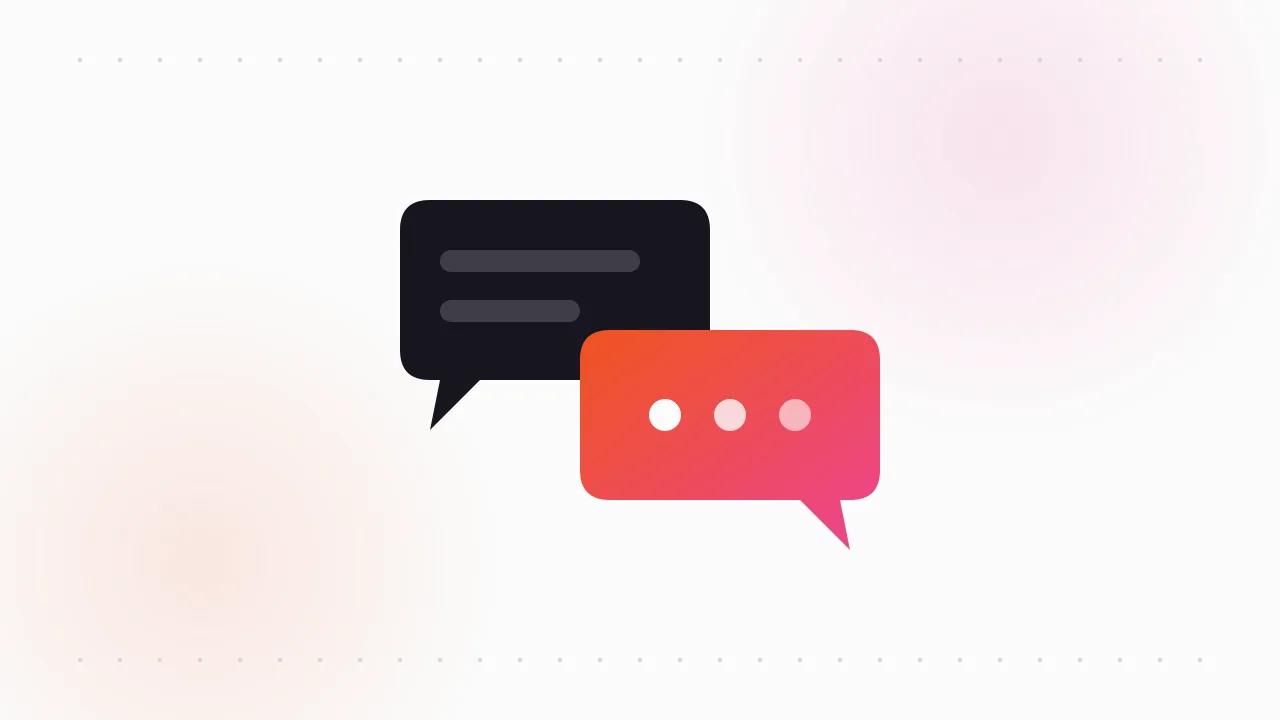
A typical Facebook Messenger ads example is a normal image or video ad in the feed with a "Send message" button, and tapping it opens a Messenger chat with the business instead of a website. The chat usually starts with a short greeting and a few suggested questions the person can tap to begin.
Here's what those ads look like by industry, when they beat a landing page, and how to find live ones to study.
What is a click-to-Messenger ad?
Click-to-Messenger ads are Facebook ads that open a conversation instead of a web page. The ad itself looks like any other ad. The difference is the destination.
When someone taps the button, Messenger opens with a message template the advertiser set up. That template usually has three parts:
- A greeting. One or two lines that confirm what the person tapped on, such as "Thanks for your interest in a free quote."
- Suggested questions. Tappable prompts like "How much does it cost?" or "Do you cover my area?". One tap sends the question.
- An optional automated reply. Some advertisers answer each suggested question automatically, then hand over to a person.
In Ads Manager these are set up by choosing messaging as the place you want people to go, with Messenger as the app. The exact menu names have changed over the years as Meta reorganised its campaign objectives, so follow the current labels in your account.
What do Facebook Messenger ads examples look like by industry?
These are patterns, not specific brands' ads. You'll find each one across many markets in the Ad Library.
Local services: the quote request
A roofer, cleaner, landscaper or electrician shows a before and after photo with copy like "Get a price in 5 minutes. Send us a photo." The suggested questions are "How much for my job?" and "When can you come out?".
Messaging fits because quotes need details. People can send a photo of the problem straight into the chat, which a form can't easily do.
High-consideration ecommerce
Furniture, jewellery, mattresses and made-to-order products. The ad shows the product with copy like "Not sure about size or finish? Ask us anything."
The chat replaces the questions that would otherwise kill the sale. Shoppers who would bounce from a product page because one question went unanswered can ask it directly.
Real estate
Agents run listing videos or property carousels with "Message us for the full details and viewing times." Suggested questions cover price, viewings and neighbourhood.
The chat qualifies the buyer before anyone spends time on a viewing. For more real estate creative, see our roundup of real estate Facebook ad examples.
Courses and coaching
A creator or school runs a talking-head video ending with "Send us a message and we'll tell you which program fits." The suggested questions are "Which course is right for me?" and "What does it cost?".
This works for programmes where people need reassurance before they pay. It also lets a sales team handle objections one to one.
Booking: salons, clinics, restaurants
The creative is a real photo of the space or a quick clip of a treatment. Copy reads "Book your slot in Messenger." The suggested questions are dates and services.
For small businesses that already take bookings over chat, this keeps everything in one inbox.
How do you write Messenger ad copy?
Messenger ad copy has two jobs: earn the tap, then make sending the first message effortless.
In the ad itself:
- Say what happens after the tap. "Message us for a price" beats a vague "Learn more".
- Lower the effort. "Reply in 2 minutes" or "Send a photo, get a quote" tells people this isn't a long form.
- Name the outcome they get from the chat, such as a price, a time slot or a recommendation.
In the greeting and suggested questions:
- Keep the greeting to two lines. Confirm the offer from the ad so the chat feels connected.
- Write suggested questions in the customer's words, not yours. "How much?" gets more taps than "Request pricing information".
- Put the most common question first.
If you want to compare chat-based capture with form-based capture, our guide to Facebook lead ad examples shows how instant forms handle the same job.
When should you use Messenger ads instead of a landing page?
Messenger ads are not better or worse than a landing page. They suit a particular kind of sale.
| Situation | Messenger tends to win | Landing page tends to win |
|---|---|---|
| Price depends on details | Yes, the chat collects them | No, a fixed price page can't |
| Buyer has questions before buying | Yes, answered live | Only if the FAQ covers them |
| Simple, low-price product | No, chat adds friction | Yes, straight to checkout |
| You can reply within minutes | Yes | Either works |
| Nobody monitors the inbox | No, leads go cold | Yes, the page works unattended |
| You need photos from the customer | Yes, sent in the chat | Harder, needs an upload field |
| You need tracked online purchases | Weaker, sales happen off-site | Yes, cleaner pixel tracking |
| Local business that books by phone or chat | Yes | Sometimes |
The pattern is simple. Use Messenger when a conversation is how the sale happens anyway. Use a landing page when the product sells itself and a conversation would slow it down.
How fast do you need to reply to Messenger ad leads?
Fast. Minutes, not hours.
Someone who taps "Send message" is interested right now. They are also scrolling, and the next ad is one swipe away. A reply that lands three hours later is competing with everything they've seen since.
A few things help:
- Set an automated first reply that confirms the question was received and says when a person will respond.
- Run the ads only during hours someone can answer, using ad scheduling where your setup allows it.
- Keep saved replies for the top five questions so answers are consistent.
Messenger also has its own rules on how and when businesses can message people after a conversation goes quiet. Check Meta's current messaging policies before planning follow-ups.
Where do Messenger ads appear?
Click-to-Messenger ads run in the usual Facebook and Instagram placements, such as Feed, Stories and Reels. The ad shows in those places and the conversation happens in Messenger.
Meta has offered ad placements inside Messenger itself in the past, but which ones are available changes over time and varies by account. Check the placement list in Ads Manager rather than assuming any specific Messenger placement exists today.
How do you find Messenger ads in the Facebook Ad Library?
The Meta Ad Library has no filter for the destination of an ad. You find Messenger ads by spotting the button. If you're new to the tool, start with our Meta Ad Library guide.
- Go to facebook.com/ads/library, choose a country, and keep "All ads" selected.
- Search phrases that Messenger ads tend to use: message us, send us a message, get a quote, DM us, chat with us.
- Look at the call-to-action button on each card. Messenger ads usually show Send message. WhatsApp versions often say "Send WhatsApp message".
- Open "See ad details" to view every version of the ad.
Our walkthrough on how to read every field in the Ad Library explains the card layout in more detail.
What the library won't show you is the greeting or the suggested questions. Those live inside the chat. The only way to see one is to tap through on a live ad yourself, which sends a real message to that business, so be considerate.
Check the "Started running on" date to see which Messenger ads have lasted. A local service business running the same "Send message" ad for months is a strong sign the chat converts. Our piece on ad longevity covers why that date matters.
To keep a reference set of the best ones before they're paused, I save them with our free extension, the Meta Ad Library downloader. Study the angle and the offer, then write your own version.
FAQ
What is a click-to-Messenger ad?
It's a Facebook or Instagram ad whose button opens a Messenger chat with the business instead of a website. The chat usually starts with a greeting and suggested questions the person can tap to begin the conversation.
What does a Facebook Messenger ad look like?
It looks like a normal image, video or carousel ad, but the button usually says "Send message". After the tap, a Messenger window opens with the advertiser's greeting and a few tappable questions.
When should you use Messenger ads instead of a landing page?
Use them when the sale usually needs a conversation, such as quotes, bookings or high-consideration purchases, and when someone can reply quickly. For simple products that sell straight to checkout, a landing page is usually the better choice.
How do I find Messenger ads in the Facebook Ad Library?
Search phrases like "message us" or "get a quote" at facebook.com/ads/library and look for the "Send message" button on each card. The library has no filter for ad destination, so you spot them by the button.
How fast do you need to reply to Messenger ad leads?
As fast as possible, ideally within minutes. Interest drops quickly once someone moves on, so slow replies turn cheap conversations into wasted spend.
Can Messenger ads send people to WhatsApp or Instagram instead?
Yes. Meta's message ads can send people to Messenger, Instagram Direct or WhatsApp, depending on your setup. The ad works the same way, only the chat app changes.
The Klipio extension adds a download button to every ad in the Meta Ad Library: one click per ad, or bulk-save a whole search as a ZIP with a searchable swipe file inside. Free, no sign-up.
Get the free Ad Library downloaderKlipio reads a competitor's live Meta ads, ranks them by how long they have been running — the honest signal that an ad is profitable — and turns the winning angle into on-brand creative for your own brand. 3-day free trial.
Start free — 3-day trial →