Facebook Instant Experience Ads Explained
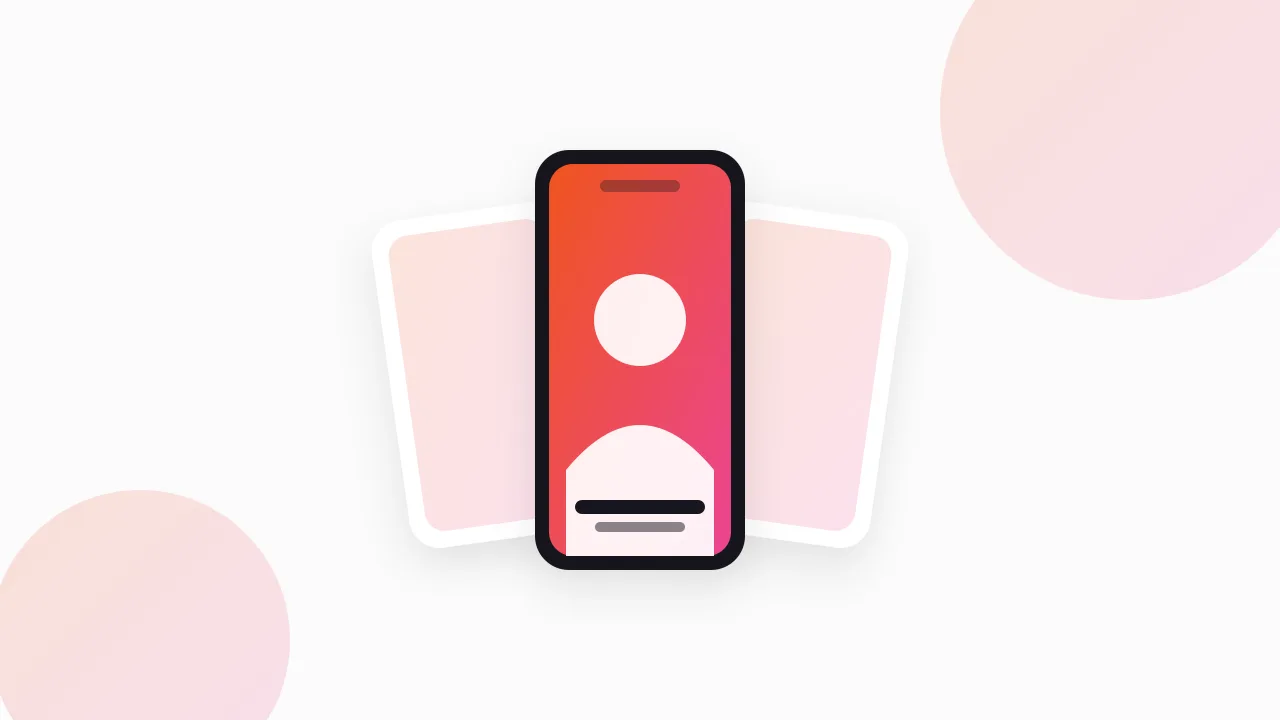
A Facebook Instant Experience is a full-screen page that opens inside the app when someone taps your ad, instead of sending them out to a website. It loads immediately because Meta preloads it, which removes the slow-site problem that kills a large share of mobile ad traffic.
It was called Canvas before, it still exists, and it is useful in a narrower set of cases than the format's own marketing suggests.
What is a Facebook Instant Experience ad?
A mobile-only, in-app destination built from blocks: images, video, text, buttons, carousels, and product sets.
The visitor taps the ad, the experience opens over the feed, and they scroll through it without leaving Facebook or Instagram. At the end there is a button that can take them to your site, open a form, or go to a product.
Key characteristics:
- Mobile only. It does not render on desktop, where the ad falls back to the normal link destination.
- Preloaded. Meta fetches the content in advance, so it appears with no perceptible wait.
- Built in Ads Manager. No developer, no hosting, and Meta supplies templates.
The whole proposition is speed. A slow mobile landing page loses a large share of visitors before it renders; an Instant Experience never has that problem.
Are Instant Experience ads the same as Canvas ads?
Yes. Canvas was the original name, Meta renamed it to Instant Experience, and older tutorials still use both. There is no functional difference to hunt for.
The related formats that share the mechanic:
| Format | What opens | Typical use |
|---|---|---|
| Instant Experience | Full-screen custom page | Storytelling, catalogues |
| Instant Form (lead ad) | Full-screen form | Lead capture |
| Instant Storefront | Product grid | Ecommerce browsing |
| Standard link ad | External website | Direct checkout |
The lead-form variant is where most current usage sits, and it is covered separately in Facebook lead ad examples.
What do good Instant Experiences look like?
Four structures recur.
1. The product story. A video at the top, then three or four scroll blocks each covering one benefit with a photo, then a single button. Works for considered purchases where the ad alone cannot explain the product.
2. The storefront. A product grid pulled from the catalogue, so the visitor browses inside the app and taps through to buy. Suits brands with many similar SKUs. Catalogue mechanics are in Facebook catalog ads examples.
3. The lookbook. Full-bleed images with tap-to-view products layered on. Fashion and interiors, mostly. Visual and low-friction, and it produces long dwell times.
4. The instant form. Ad, then a form, no website involved at all. The dominant use of the format now, especially in services, education, and property.
Do they convert better than a landing page?
Sometimes, for a specific reason, and it is worth being precise about which.
They win when your site is slow, when the audience is on poor mobile connections, or when the product needs a bit of explanation that will not fit in an ad. They lose when the visitor is ready to buy, because you have added a step between the tap and the checkout.
For direct-response ecommerce with a fast product page, a standard link ad usually wins. For a service, a launch, or a product that needs three sentences of context, the Instant Experience earns its place.
How do you track one?
Through Meta's own reporting for the in-experience part, and your pixel for everything after.
What Meta reports: view time, how far people scrolled, clicks on each element, and the exit-button click. What your site sees: only the sessions that tapped out, arriving as normal ad traffic.
Practical setup:
- Put a unique UTM on the exit button so out-clicks are separable in your analytics.
- Optimise the campaign for the eventual conversion, not for the in-app engagement.
- Judge the format on cost per purchase or lead, not on dwell time — dwell time in a full-screen unit is flattering and means little.
What are the common mistakes?
Three, and they account for most of the disappointing tests.
Treating it as a landing page. Copying a web page's structure into blocks produces something long, dense, and unread. The format rewards a short visual sequence, not a full sales page.
Text baked into images. The blocks scale across devices, and type inside an image goes soft or gets cropped. Use the text blocks for text.
No clear exit. Some experiences bury the button at the very bottom and nowhere else. Repeat it: once after the first proof block, once at the end.
Where can I see current Instant Experience ads?
The Meta Ad Library at facebook.com/ads/library, free and without an account, though this format takes one extra step to spot.
The library shows the ad card, and an Instant Experience only reveals itself when you open the ad and see the full-screen unit rather than an external link. So the method is:
- Filter to your country and category and search advertisers by Page name.
- Look for ads whose call to action is Learn More or Get Offer on a video, rather than Shop Now on a product image.
- Open a few. The ones that expand in-app rather than opening a browser are Instant Experiences.
- Check the "Started running on" date. Advertisers only keep paying for ads that work, so an Instant Experience running for months is a structure worth copying, as explained in Facebook ad longevity.
Ads vanish from the library as soon as they are paused, so anything you want as a reference needs exporting the day you find it. Our free Meta Ad Library Downloader exports a whole search as one ZIP with a searchable index and a CSV of every ad's advertiser, copy, and dates.
For how this format sits alongside the others, Facebook ad formats covers the full set, Facebook carousel ad examples covers the closest alternative, and the Meta Ad Library guide covers the research tool itself.
FAQ
What is a Facebook Instant Experience ad?
A full-screen, mobile-only page that opens inside Facebook or Instagram when someone taps the ad. Meta preloads it, so it appears instantly instead of waiting for a website to load.
Are Instant Experience ads the same as Canvas ads?
Yes. Canvas was the original name and Meta renamed the format to Instant Experience. Older guides use the two terms interchangeably.
Do Instant Experience ads convert better than landing pages?
They outperform slow mobile landing pages because they remove load-time abandonment. Against a fast product page for a ready-to-buy audience they usually lose, since they add a step before checkout.
How do you track an Instant Experience ad?
Meta reports view time, scroll depth, and element clicks inside the experience. Your own analytics only see visitors after they tap the exit button, so tag that button with its own UTM.
When should you use an Instant Experience?
When your mobile site is slow, when the audience is on weak connections, or when the product needs more explanation than an ad can carry. For fast direct checkout, a standard link ad is usually the better buy.
The Klipio extension adds a download button to every ad in the Meta Ad Library: one click per ad, or bulk-save a whole search as a ZIP with a searchable swipe file inside. Free, no sign-up.
Get the free Ad Library downloaderKlipio reads a competitor's live Meta ads, ranks them by how long they have been running — the honest signal that an ad is profitable — and turns the winning angle into on-brand creative for your own brand. 3-day free trial.
Start free — 3-day trial →