Export Facebook Ads to CSV — A Step-by-Step Guide
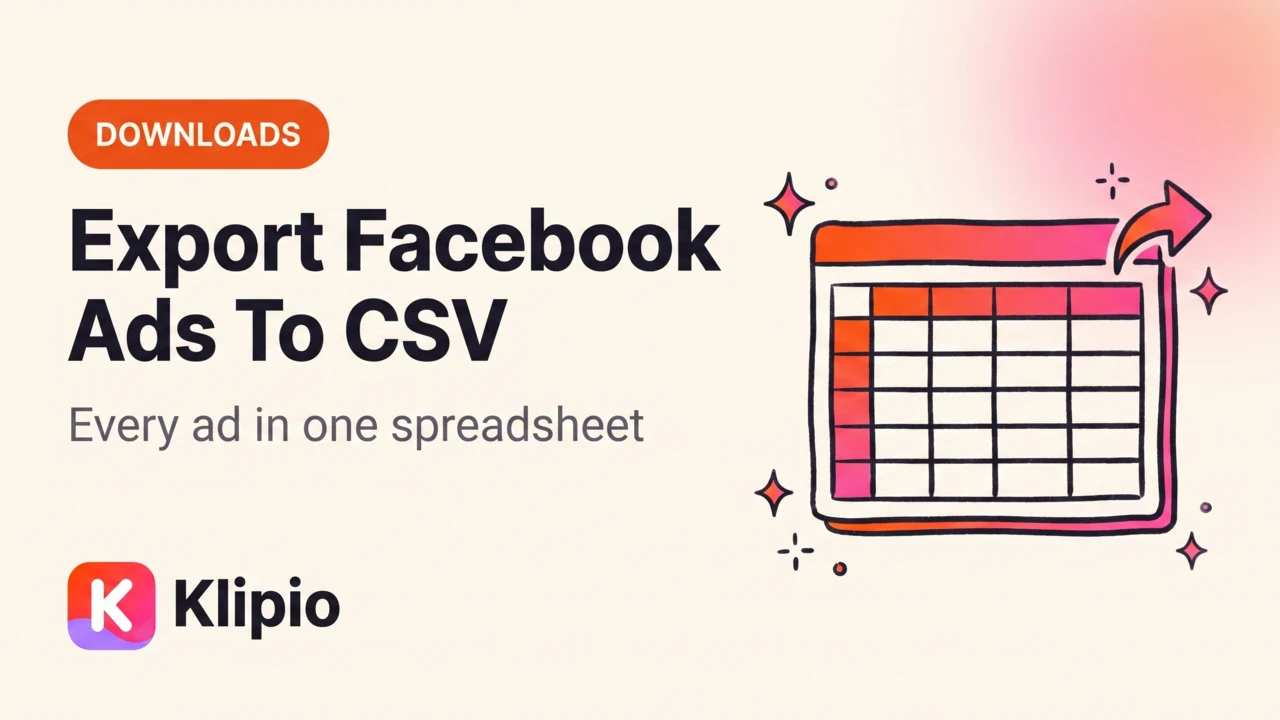
You can export Facebook ads to CSV with a free browser extension that scans an Ad Library search and hands you a spreadsheet — advertiser, ad text, and start date for every ad, no coding required. The Ad Library itself has no export button, so a manual copy-paste job is the only built-in option, and it doesn't scale past a handful of ads.
This post walks through what a real export contains, the step-by-step process, and how it compares to the paid spy tools and the official API. Then it covers what to actually do with a spreadsheet full of competitor ads once you have one.
What's actually in a Facebook ads CSV export?
A good CSV export gives you one row per ad. At minimum that means the advertiser name, the ad's start date, the primary ad text, and a link back to the original in the library.
Some tools add more: platform (Facebook, Instagram, Messenger, Audience Network), ad format, and a direct media link. What you won't find in any commercial-ads CSV, from any source, is spend or engagement numbers. Meta doesn't expose that data for normal ads — only for US political and social-issue ads, which get labeled spend ranges.
That gap matters. It's why ad longevity, not spend, is the real signal people build their research process around — an ad that's been running for months is one the advertiser keeps paying for, which means it's working. I go deeper on reading that signal in how ad longevity predicts winners.
How do you export Facebook ads to CSV, step by step?
Here's the process I use, with the free Klipio Meta Ad Library Downloader extension (disclosed: we built it — it's free, no account, no sign-up).
1. Open the Ad Library and run your search. Go to facebook.com/ads/library, pick a country, and search a brand name or keyword. Filter by format first if you only want video or image ads — the export respects whatever's on screen.
2. Click "Find all ads." This scrolls the entire results page and collects every currently running ad it finds, instead of you clicking one at a time.
3. Choose what to export. Pick Videos, Images, or Everything. Duplicates get collapsed automatically — Meta often serves the same creative under several different ad IDs.
4. Download the ZIP. Every export bundles the media files, a searchable swipe board (an index.html you can search by hook, CTA, or advertiser, with the video playable in place), and a CSV of every ad. Files are named by advertiser and date.
5. Open the CSV in Sheets or Excel. That's your spreadsheet — sort it, filter it, pivot on start dates, whatever your team normally does with a research dump.
The whole thing runs in your own browser on your own connection; nothing routes through Klipio's servers. It's free, has no watermark, and currently sits at v1.2.31 across 31 languages, 5.0 stars. I covered the full bulk-scan mechanics in more depth in bulk-downloading a whole Ad Library search if you want the longer version.
- 1Search the Ad Libraryfacebook.com/ads/library
- 2Click "Find all ads"Scans the whole search
- 3Extension packs every ad foundDuplicates collapsed
- 4One ZIPCSV + swipe board + media files
Facebook Ad Library API vs a CSV export — what's the difference?
People assume Meta's official Ad Library API is the "real" way to export Facebook ads data. It isn't, for most use cases.
The API only returns political and social-issue ads (plus EU ads, under the Digital Services Act). It does not return ordinary commercial ads — the sneaker brand, the skincare DTC, the SaaS competitor. If you want those ads in a spreadsheet, the API is the wrong tool entirely.
| Method | Covers commercial ads | Bulk (whole search) | Cost |
|---|---|---|---|
| Manual copy-paste | Yes | No — one ad at a time | Free |
| Browser devtools Network tab | Yes, partial | No — one ad at a time | Free |
| Klipio Meta Ad Library Downloader | Yes | Yes, one click | Free |
| Official Ad Library API | No (political/social only) | Yes, for that narrow category | Free |
| AdSpy | Yes | Yes | $149/mo, no trial |
| Foreplay | Yes | Yes | From $59/mo ($49 billed annually) |
| Minea | Yes | Yes | From $49/mo |
The paid tools in that table are real options, and they earn their price with more than export. AdSpy has one of the longest-running ad databases in the space; Foreplay adds team boards and briefing workflows on top of the raw ads. If you only need to download ads from the Facebook Ad Library and get them into a spreadsheet, though, that's a job a free extension already does.
What can you do with competitor ad data once it's in a spreadsheet?
A CSV of 300 ads isn't research by itself. Here's the pass worth running once you have one.
Sort by start date. This is the single most useful column. Ads running 90+ days are the ones an advertiser keeps funding, which is the closest thing to a "this works" flag Meta gives you for free. New ads from last week show what they're currently testing.
Filter for patterns, not favorites. Group the long-runners by hook style, CTA, and format. If eight of your competitor's ten oldest ads open with a customer complaint instead of a product shot, that's a real pattern worth noticing — more useful than any single ad.
Copy the angle, not the asset. Downloading public ads for research is standard practice in this industry — reusing someone else's actual video or image as your own ad is not, and can get you flagged or reported. Take the underlying idea and rebuild it in your own footage and voice. This isn't legal advice; if you need a definitive answer for your specific situation, talk to a lawyer.
Re-export monthly. Run the same search again in 30 days and diff the two CSVs. Ads that vanished got killed. Ads still there got another month of proof they work. That habit turns a one-time export into an ongoing competitor ad data export you can track over time — I wrote a longer version of this whole research loop in how to see competitors' Facebook ads, and if you want to compare export tools further, our rundown of the best ad spy tools covers pricing and feature tradeoffs across the whole category.
Get Klipio's free Meta Ad Library Downloader extension — it adds the Download button and the "Find all ads" bulk export directly inside facebook.com/ads/library, with the CSV included in every export automatically.
FAQ
How do I export data from Facebook Ads Library?
Install a free browser extension like Klipio's Meta Ad Library Downloader, run your search in the library, and click "Find all ads." It scans the whole search and packages every ad into one ZIP that includes a CSV, a searchable swipe board, and the media files.
Can you download Facebook Ad Library data in bulk?
Yes. A bulk export tool scrolls an entire Ad Library search result and collects every currently running ad in one pass, rather than requiring you to save each ad individually. Duplicates — which Meta creates often by serving one creative under multiple ad IDs — get collapsed automatically.
What does a Facebook ads CSV export actually contain?
Typically one row per ad with the advertiser name, start date, primary ad text, and a link back to the original in the library. It won't contain spend or engagement numbers for normal commercial ads — Meta doesn't expose those; the closest proxy is how long the ad has been running.
Does the Facebook Ad Library API let you export competitor ads?
No. The official API only returns political and social-issue ads, plus EU ads under the Digital Services Act. Ordinary competitor ads — retail, DTC, SaaS — aren't available through it at all, which is why a browser-based export exists as the practical alternative.
Is it legal to download and export ads from Facebook's Ad Library?
Downloading public ads for research is common practice across the ad industry, since the library itself is Meta's public transparency tool. The line most people follow is: study and copy the angle, don't reuse someone else's actual creative asset commercially. This isn't legal advice — check with a lawyer if you need certainty for your situation.
Is there a free way to export Facebook ads to CSV?
Yes. Klipio's Meta Ad Library Downloader is a free Chrome extension with no account or watermark that includes a CSV in every export, alongside the media files and a searchable swipe board. Paid tools like AdSpy ($149/mo) or Foreplay (from $59/mo) also export to CSV but add extra research and team features on top.
The Klipio extension adds a download button to every ad in the Meta Ad Library: one click per ad, or bulk-save a whole search as a ZIP with a searchable swipe file inside. Free, no sign-up.
Get the free Ad Library downloaderKlipio reads a competitor's live Meta ads, ranks them by how long they have been running — the honest signal that an ad is profitable — and turns the winning angle into on-brand creative for your own brand. 3-day free trial.
Start free — 3-day trial →