Download Facebook Ad Images: Every Method (2026)
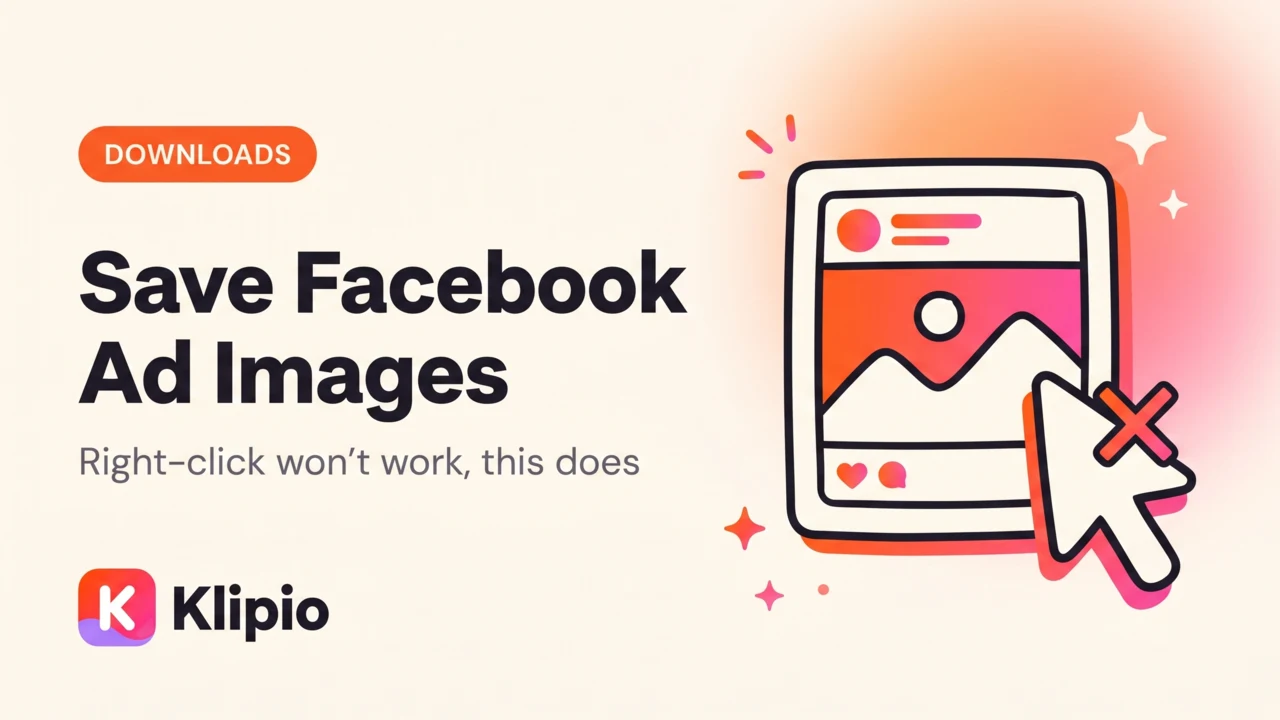
Right-clicking a Facebook ad image and choosing "Save image as" usually fails, because the Ad Library renders the picture as a background layer inside a card, not as a plain file your browser recognizes. To download Facebook ad images reliably — including every card of a carousel — you need the devtools network trick, a screen capture, or a free browser extension that adds a real Download button to each ad.
I pull creative from the Meta Ad Library for a living, and images are the fiddlier half of the job. Videos at least stream through one file, but carousels hide five or ten images behind one card, and most quick methods only grab the first. Here's every method that actually works, ranked by how much time it costs you.
Why won't right-click save a Facebook ad image?
Facebook doesn't serve ad creative as a normal <img> tag you can right-click. In the Ad Library, images load through a wrapper that behaves more like a video player than a photo — click-and-hold, drag, and right-click are disabled or repurposed for the card's own controls.
Carousels make it worse. What looks like one ad is actually a strip of two to ten separate images, and each card is a separate file at a separate URL. Scroll to the next card and you're right-clicking something new.
How do you download Facebook ad images one at a time?
This still works for a single image.
- Open the ad in the Ad Library and let it fully render.
- Right-click the page (not the image) and choose Inspect, then open the Network tab.
- Type
jpg,png, or.jpegin the filter box, or click the Img filter. - Refresh the page. A handful of image requests will appear — filter by size to find the largest one, which is usually the actual ad creative rather than an icon.
- Right-click that request, choose Open in new tab, then right-click the full-size image and Save image as.
For carousels, repeat steps 3–5 once per card, scrolling forward and refreshing each time. On a 5-card carousel that's five separate trips through devtools.
Use this method when you need exactly one image. It falls apart after two or three ads.
How do you download a whole Facebook ad carousel — every card, not just the first?
This is where most free tools quietly give up. A paste-the-URL web downloader or a basic screenshot only captures whatever card is on screen, so you get card one and nothing else.
The reliable path is a tool built to understand that a carousel is a set, not a single image — it loads every card, pulls the full-resolution file behind each one, and saves them together.
That's the gap a browser extension is built to close: it reads the carousel's own data rather than whatever is on screen, so it grabs every card at full resolution in one click.
What about the video ads mixed into the same search?
Any real search returns images, carousels, and videos together, so whatever you use for images usually needs to handle video too. A facebook ad library video download works differently under the hood: video streams in chunks, so the devtools trick sometimes shows a pile of fragment requests instead of one clean file.
I wrote up the video-specific methods in how to download videos from the Facebook Ad Library. To download videos from Facebook ad library searches at volume, the same free extension below handles both formats from one Download button.
Devtools vs. screenshot vs. extension: which actually works?
| Method | Downloads single images | Downloads full carousels | Downloads video too | Cost |
|---|---|---|---|---|
| Right-click | No (blocked) | No | No | Free |
| Devtools Network tab | Yes, slow | One card at a time | Sometimes (chunked streams) | Free |
| Screenshot / screen recording | Yes, lower quality | One card at a time | Yes, re-compressed | Free |
| Paste-URL web tool | Usually | Rarely — most only grab card one | Usually | Free–paid |
| Paid spy tool (AdSpy, Foreplay, Minea) | Yes | Yes | Yes | $49–$149/mo |
| Free Chrome extension (Klipio) | Yes, one click | Yes, every card | Yes, original HD | Free |
Is it worth paying for a spy tool just to download images?
The subscription tools in the table above all include downloading, because it's table stakes for the category. To be fair to them, you're not really paying for the download button: AdSpy's real value is a searchable historical database with engagement estimates, and Foreplay is genuinely strong at team swipe files and briefing. If your team needs those, the subscription earns its keep.
MagicBrief, which a lot of creative teams used for exactly this, was acquired by Canva and shut down on July 31, 2026 — its successor is Canva Grow. I covered the full landscape in our roundup of the best ad spy tools.
The free way: a Chrome extension that adds a Download button
Full disclosure: this one is ours. We built it after doing the devtools dance dozens of times a day.
It adds a Download button to every ad card inside facebook.com/ads/library:
- Install it from klipio.io/meta-ad-library-downloader — free, no account, no sign-up.
- Search the Ad Library like you normally would.
- Click Download on any card. Image ads save as images, and carousels download every card, not just the first. Video downloads in original HD with no watermark.
For a whole search at once, Find all ads scrolls the entire results page, collects every running ad, and packs everything into one ZIP. You choose Videos, Images, or Everything, and duplicates get collapsed automatically. I walked through that full bulk flow in how to bulk-download every ad from a Meta Ad Library search.
Every export also includes a searchable swipe board — an index.html you can search by hook, CTA, or advertiser, view images and play videos in place, and copy the ad text — plus a CSV of every ad. Files are named by advertiser and date, so a 300-ad folder stays legible.
It runs entirely in your browser on your own connection, nothing passes through Klipio's servers, and it's currently v1.2.31, in 31 languages, at 5.0 stars. An optional Pro tier saves whole brands to a cross-device dashboard, but the download itself is free forever.
Which method should you actually use?
- One image, once: devtools Network tab.
- One card of a carousel: devtools or a screenshot.
- A full carousel, every card: the free extension.
- A whole competitor's library at once: the extension's bulk "Find all ads" mode.
- Engagement history or team briefing tools: pay for AdSpy or Foreplay — see the Ad Library guide for what the library gives you natively.
Whatever you choose, save it the same day — a paused ad is gone the next time you check.
FAQ
How do I save an image from a Facebook ad?
Right-click won't work in the Ad Library because images load through a card wrapper, not a plain file. Use the browser's devtools Network tab filtered to image files, or install a free extension like Klipio's Meta Ad Library Downloader, which adds a working Download button to every ad, carousels included.
How do you download a Facebook ad carousel with all the images?
Most quick methods, including screenshots and paste-URL tools, only capture whatever card is on screen and miss the rest. A tool built for carousels reads the ad's full card set and downloads every image at once — that's what Klipio's Download button does on any carousel ad.
Can I download Facebook ad images in bulk from a whole search?
Yes. A free Chrome extension can scroll an entire search, collect every running ad, and pack all the images, videos, and carousels into one ZIP, with duplicates collapsed. Doing this by hand for 200+ ads is realistically an afternoon of work.
Is the Facebook Ad Library free to use?
Yes, completely free with no account required. Anyone can browse every active ad from any advertiser at facebook.com/ads/library. It doesn't include a download button, permanent storage, or performance data for normal ads — ads disappear once the advertiser pauses them.
Is it legal to download images from Facebook ads?
Downloading publicly visible ads for competitive research is standard industry practice, and every major ad spy tool is built on exactly that. The line is reuse: study the angle, don't republish someone else's asset as your own ad. This isn't legal advice — check with a lawyer if you're unsure about a specific use.
Why does the downloaded carousel only have one image instead of all of them?
That usually means the tool captured whatever card was on screen instead of reading the carousel's underlying data — screenshots and most paste-URL downloaders behave this way. A Download button built to parse carousel ads, like Klipio's, pulls every card regardless of which one is currently visible.
The Klipio extension adds a download button to every ad in the Meta Ad Library: one click per ad, or bulk-save a whole search as a ZIP with a searchable swipe file inside. Free, no sign-up.
Get the free Ad Library downloaderKlipio reads a competitor's live Meta ads, ranks them by how long they have been running — the honest signal that an ad is profitable — and turns the winning angle into on-brand creative for your own brand. 3-day free trial.
Start free — 3-day trial →