Download Ads From Every Meta Placement
You can download Instagram and Messenger ads from the Meta Ad Library the same way you download Facebook ads, because they are the same ads. Meta runs one creative across its placements, and the Ad Library shows that ad once, with a small list of every platform it appears on.
That's the fact this whole post hangs on. Once you see it, "how do I save an Instagram ad" and "how do I save a Messenger ad" collapse into one workflow. Here it is, plus the placement filter tips that actually matter.
Why is there no separate Instagram or Messenger ad library?
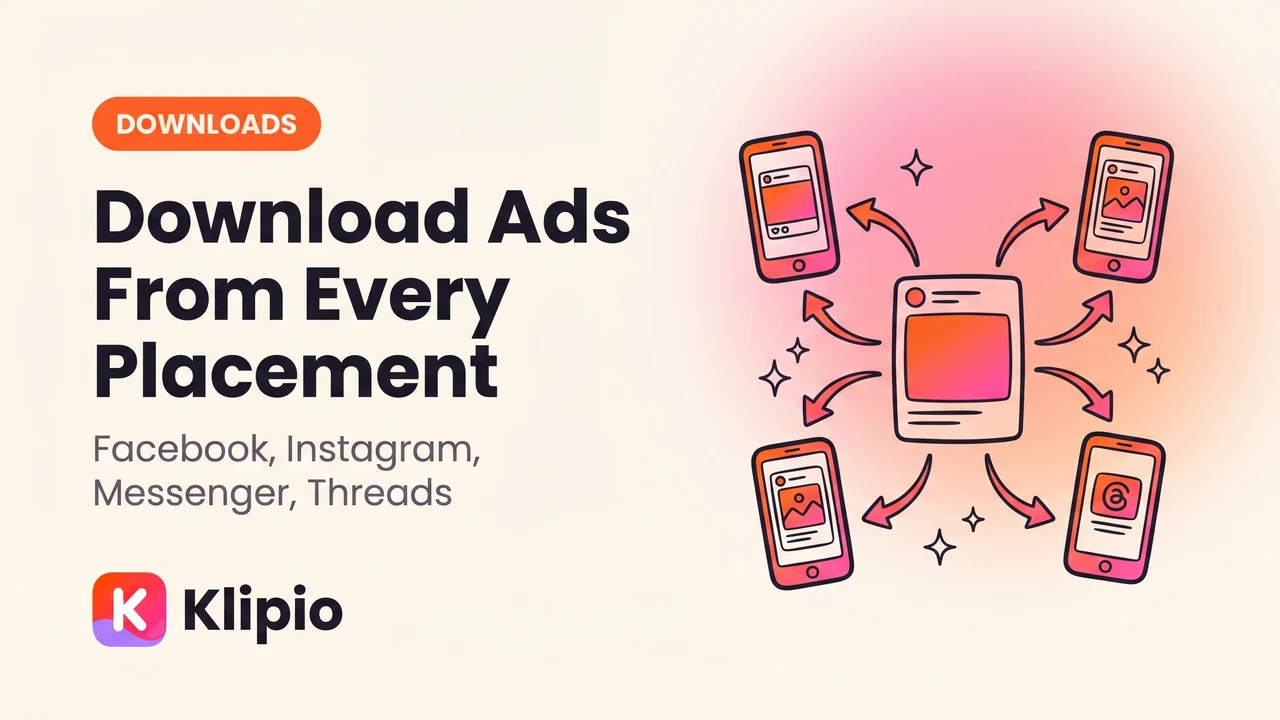
Because advertisers don't buy placements one at a time anymore. In Ads Manager, most campaigns run with Advantage+ placements on: one ad, and Meta decides whether to serve it in the Facebook feed, Instagram Reels, Messenger inbox, or Threads.
The Ad Library mirrors that. Search any brand at facebook.com/ads/library and each ad card carries a "Platforms" row with little icons — Facebook, Instagram, Messenger, Audience Network, Threads. One card, one creative, many surfaces.
So there is no instagram.com/ads/library to hunt for. Instagram ads, Messenger ads and Threads ads all live in the same Meta Ad Library, and I covered how the whole thing works in the Meta Ad Library guide.
How do I download an ad wherever it runs?
The library has no download button on any placement — not for Facebook ads, not for Instagram ads, not for Messenger ads. Right-click save doesn't work on the video player either.
The clean fix is our free Meta Ad Library Downloader Chrome extension (disclosed: we built it; it's free, no account, no watermark). It adds a Download button to every ad card in the library, whatever platforms the ad runs on. Videos come down in original HD, images as images, carousels with every card.
The workflow:
caption: One download covers every placement the ad runs on.
Because the creative file is the same asset across placements, downloading the ad once gives you the Instagram version, the Messenger version and the Facebook version — they're one file. You don't need to capture anything "from Instagram" separately.
For a whole competitor at once, the bulk mode scrolls the full search and packs everything into one ZIP with a searchable swipe board and CSV — full walkthrough in bulk-download every ad from a Meta Ad Library search. If you'd rather not install anything, the manual devtools route works per ad; that's covered in downloading ads with browser devtools and the broader Facebook Ad Library video download guide.
How do I use the Platform filter properly?
The library's filters panel has a Platform filter: Facebook, Instagram, Messenger, Audience Network. Use it to answer one question — "what is this brand running on this surface?" — not to find "different" ads.
A few things I've learned running this weekly for clients:
Filter by Instagram to find Reels-first brands. Filter a niche keyword to Instagram only and you'll surface advertisers whose creative is clearly built vertical-first. That's a strong signal about where their audience lives.
Messenger-only ads are rare and worth noting. Most ads that show a Messenger icon are just broad-placement ads that also serve there. An ad running only on Messenger usually means a deliberate click-to-message campaign — different intent, different funnel.
The filter narrows results; the card tells the truth. Filtering to Instagram doesn't show you an "Instagram version" of the ad. It shows the same cards, restricted to ads whose delivery includes Instagram. The Platforms row on each card is the real record.
Threads shows up as an icon, not a filter. As of August 2026, Threads appears in the Platforms row on ad cards, but the filter panel doesn't offer it as a standalone option in most regions. Icons are the reliable signal.
What's actually different per placement?
Less than people assume. Here's the honest breakdown:
| What | Same across placements? | Notes |
|---|---|---|
| Core creative (video/image) | Usually yes | One asset, served everywhere |
| Aspect ratio | Sometimes varies | Advantage+ can crop/expand per surface; library shows one preview |
| Primary text and headline | Usually yes | Meta may trim long text on small surfaces |
| CTA button | Yes | Set once per ad |
| Comments and engagement | Differs per surface | Not shown in the library at all for normal ads |
| Start date ("Started running on") | Yes | One date per ad, all placements |
The takeaway for research: judge the creative and the angle, not the placement. An ad that has run 90+ days across four surfaces is a stronger signal than anything the filter can tell you — longevity is the one performance proxy the library gives you, and it's per ad, not per placement.
FAQ
Can you download Instagram ads from the Meta Ad Library?
Yes. Instagram ads appear in the same Meta Ad Library as Facebook ads — there's no separate Instagram library. Search the brand at facebook.com/ads/library, optionally filter Platform to Instagram, and save the creative with a downloader extension or the devtools method. The file you get is the same asset Instagram serves.
How do I filter the Ad Library by placement?
Open the filters panel on a search results page and choose Platform: Facebook, Instagram, Messenger or Audience Network. This restricts results to ads delivering on that surface. Each ad card also lists every platform it runs on, which is often more useful than the filter itself.
Are Messenger ads different from Facebook ads?
Usually not — most ads showing a Messenger icon are broad-placement campaigns serving the same creative there. The exception is click-to-message campaigns built specifically for Messenger conversations. In the library both look like normal ad cards; the creative downloads the same way.
Does the Ad Library show Threads ads?
Yes — ads delivering on Threads show a Threads icon in the card's Platforms row. As of August 2026 the filter panel doesn't offer Threads as a standalone platform option in most regions, so rely on the per-card icons rather than the filter.
The Klipio extension adds a download button to every ad in the Meta Ad Library: one click per ad, or bulk-save a whole search as a ZIP with a searchable swipe file inside. Free, no sign-up.
Get the free Ad Library downloaderKlipio reads a competitor's live Meta ads, ranks them by how long they have been running — the honest signal that an ad is profitable — and turns the winning angle into on-brand creative for your own brand. 3-day free trial.
Start free — 3-day trial →