Competitor Ad Calendar: Map When Rivals Launch Ads
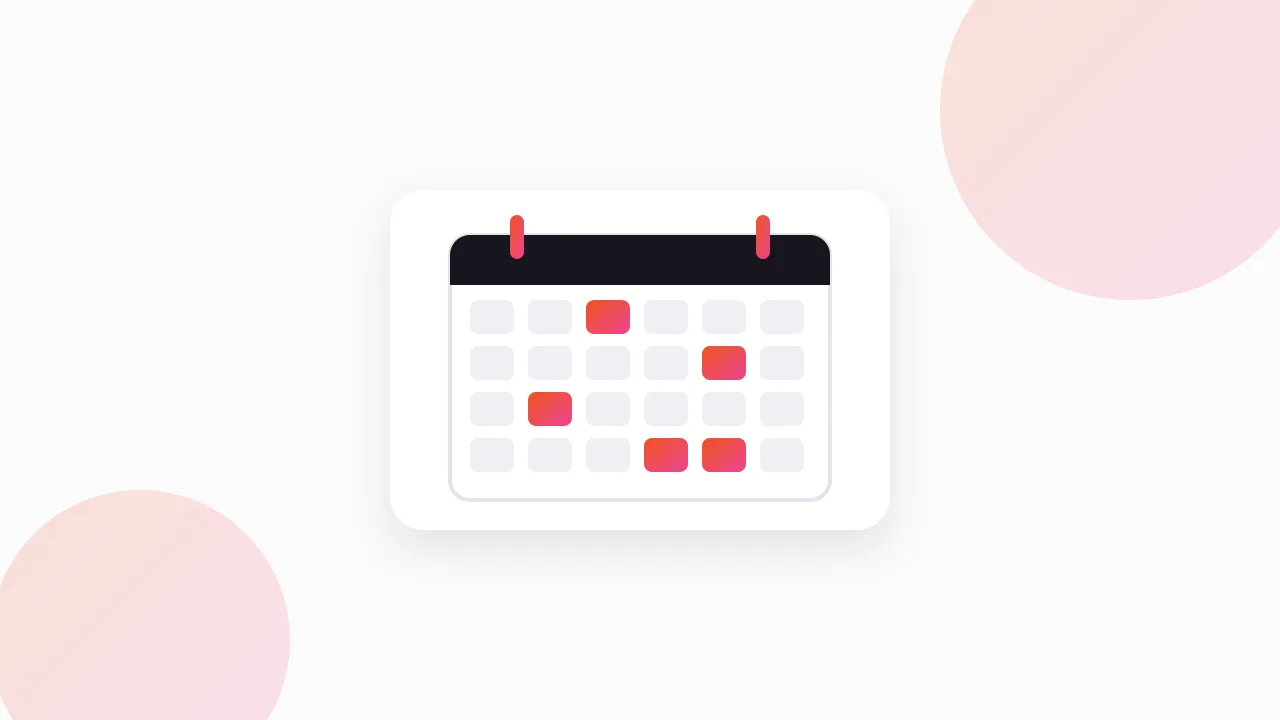
A competitor ad calendar is a simple dated record of when your rivals launch new Meta ads, start sales and begin seasonal pushes. You build it from the "Started running on" date on each ad in the Meta Ad Library, plus a short weekly snapshot, and after a few months it tells you when competitors move so you can plan your own launches around them.
Here is how to set one up, what to record, and how to turn it into a launch plan.
What is a competitor ad calendar, and why bother?
It is a spreadsheet, not a tool. Each row is a moment: a competitor started a new batch of ads, launched a discount, or switched to a seasonal angle.
The value is in the pattern. One snapshot tells you what a rival is running today. Twelve weekly snapshots tell you their rhythm: how far ahead of Black Friday they start, whether they push at the start of the month, how long a sale stays live, and when they go quiet.
Where do the dates come from?
Every ad card in the Meta Ad Library shows a "Started running on" date. That is the anchor for your whole calendar.
When you open a competitor's page in the Library, you see their active ads, each with its start date. Group them by date and you can see launch waves: five new ads on the same day usually means a planned campaign, not a random test.
A few honest limits worth knowing:
- Outside the EU, paused ads disappear. The Library shows active ads. Once an advertiser stops an ad, you can no longer see it in most countries. In the EU, inactive ads stay visible.
- There is no end date for active ads. You only learn when an ad stopped by noticing it is gone on your next visit.
- No spend or results. For normal commercial ads Meta shows no spend, impressions or engagement. Ad longevity is the practical signal: advertisers keep paying only for ads that work.
How do you take a weekly snapshot?
Pick one day a week and keep it. Monday catches weekend launches.
For each competitor, the routine takes about ten minutes:
- Open their page in the Meta Ad Library, filtered to your main country.
- Note any ad with a "Started running on" date since your last snapshot. Those are new.
- Note any ad from last week that is no longer showing. Those have stopped.
- Read the new ads for offer language: percentages off, free shipping, "ends Sunday", gift bundles, seasonal words.
- Save copies of anything that looks like a planned push, so you still have it after it disappears.
You can screenshot, or use a downloader. Our free extension, the Meta Ad Library Downloader, adds a Download button to each ad in the Library and can export a whole search as one ZIP with a CSV of every ad, which makes a weekly archive quick to build.
If you want the full method for watching offers specifically, our guide to tracking competitor promotions on Facebook ads goes deeper on reading discount language.
What should the spreadsheet look like?
Keep it flat and boring. One row per event, one tab for the whole year. You can filter and pivot later.
Here is a template with example rows. The brands are placeholders.
| Week of | Competitor | Event type | Started running on | Offer or angle | Ads in wave | Still running? | Notes |
|---|---|---|---|---|---|---|---|
| 3 Nov | Brand A | Sale launch | 1 Nov | Early Black Friday, sitewide discount | 6 | Yes | Started three weeks before BF |
| 3 Nov | Brand B | New creative | 30 Oct | UGC unboxing, no offer | 3 | Yes | Testing hooks before sale |
| 10 Nov | Brand C | Seasonal push | 8 Nov | Festive gift bundles | 4 | Yes | Gift guide landing page |
| 17 Nov | Brand A | Sale stopped | n/a | Early BF ads gone | 0 | No | Replaced by main BF set |
| 1 Dec | Brand B | Payday push | 30 Nov | Free shipping, "this weekend only" | 2 | Yes | Third month in a row near payday |
Useful event types to standardise on:
- New creative: fresh ads with no offer
- Sale launch: a discount or promotion starts
- Sale stopped: the promo ads disappear
- Seasonal push: holiday, festival or weather-driven angle
- Product launch: a new product or collection
- Quiet: no new ads for the week
That last one is underrated. A week of silence is data too, especially in January or right after a big sale.
How do you spot patterns once you have a few months of data?
After eight to twelve weeks, sort the sheet by competitor and read each brand's rows top to bottom. You are looking for repeats.
Common patterns ecommerce brands show:
- Pre-season runway. New creative appears a week or two before a sale starts. The brand is warming up audiences and testing hooks so the sale ads launch with proven angles.
- Payday rhythm. Promos start near the end or start of each month, when customers have just been paid.
- Long sales vs short sales. Some brands run a discount for a day or two. Others leave "Black Friday" ads live for most of November.
- Festive switches. Angles change around local festivals and holidays, not only the global ones. If you sell in India, Diwali and wedding season can matter more than Black Friday.
Also watch how ads change inside a single campaign. If a brand swaps the headline or thumbnail mid-sale, that often means the first version underperformed. Our guide to tracking competitor ad changes covers how to log those edits.
How do you use the calendar to plan your own launches?
Once you know a competitor's rhythm, you have two broad choices for each moment: go early, or go into the gap.
Go early. If Brand A always starts early Black Friday on 1 November, you can launch a few days before and catch customers before they see Brand A's offer. This works best when your offer is genuinely competitive.
Go into the gap. If every competitor is shouting in the same week, your ads compete for the same attention. A quieter week before or after can give your message more room.
Match the season, not the date. For festive seasons, the calendar tells you when competitors start their gift angles. If they all begin two weeks out, you can plan your creative production to be ready a week before that.
Plan production backwards. Work back from the launch date: creative briefed, shot, edited, approved, uploaded. A calendar that says "competitors start on 1 November" really means your briefs should be in progress weeks earlier. Our Q4 Facebook ads strategy guide covers that seasonal runway in more detail.
What mistakes make a competitor ad calendar useless?
A few habits kill these calendars fast:
- Skipping weeks. Gaps mean missed launches, and since paused ads vanish, you cannot fill them in later.
- Tracking too many brands. Five to eight direct competitors is plenty. Twenty means you stop after a month.
- Logging ads, not events. Write one row per wave or offer, not one row per ad. You want a calendar, not a database.
- Copying the ad instead of the timing. Use what you learn to plan your own angles and schedule. Do not reuse a competitor's creative. Study the angle, not the asset. This is general guidance, not legal advice.
FAQ
What is a competitor ad calendar?
It is a dated log of when your competitors launch new Facebook and Instagram ads, sales and seasonal campaigns. You build it from the "Started running on" dates in the Meta Ad Library and weekly snapshots, then use the pattern to plan your own launches.
How do I find out when a competitor started running an ad?
Open the competitor's page in the Meta Ad Library at facebook.com/ads/library. Each ad card shows a "Started running on" date, which is when that ad began delivering.
How often should I update a competitor ad calendar?
Once a week on a fixed day is enough for most brands. During peak periods like the run-up to Black Friday or a major festival, checking two or three times a week helps you catch short sales before they disappear.
Can I see competitors' past sales in the Meta Ad Library?
Mostly no, outside the EU. Once an ad is paused it usually drops out of the Library in most countries, which is why you need to record sales as they happen and save copies of the creatives. In the EU, inactive ads remain visible.
How many competitors should I track on an ad calendar?
Five to eight direct competitors is a practical number for a weekly routine. Pick the brands your customers actually compare you with, and add one or two larger brands in your category whose timing tends to set the pace.
The Klipio extension adds a download button to every ad in the Meta Ad Library: one click per ad, or bulk-save a whole search as a ZIP with a searchable swipe file inside. Free, no sign-up.
Get the free Ad Library downloaderKlipio reads a competitor's live Meta ads, ranks them by how long they have been running — the honest signal that an ad is profitable — and turns the winning angle into on-brand creative for your own brand. 3-day free trial.
Start free — 3-day trial →