How to Use a Swipe File to Write New Meta Ads
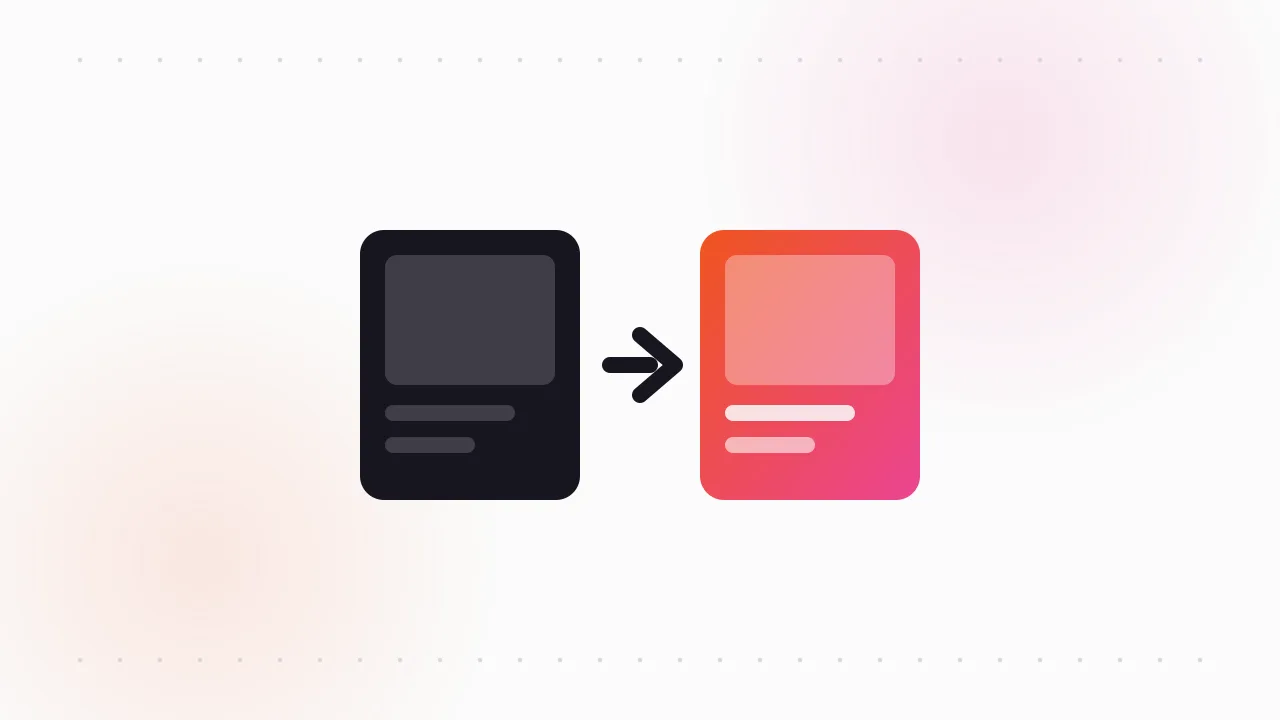
To use a swipe file well, you pull three tagged references for a single brief, work out the angle behind each one, and rebuild that structure with your own product, proof and footage. You use the swipe file for its thinking, not its assets, so nothing you ship is a copy of someone else's ad.
Here is the exact workflow a media buyer runs to turn a pile of saved Meta ads into new creatives that are testable and clearly yours.
How to use a swipe file: what do you do once you have one?
Most swipe files die the same way, because nobody decided what to do with a swipe file after saving into it. People save hundreds of ads, feel productive, and never open the folder again when it's time to brief a new creative.
A swipe file is a working tool, not a museum. If you need a refresher on what belongs in one, start with what a swipe file is and how marketers use it. This post is about the next step: getting new ads out of it.
Knowing how to use a swipe file comes down to seven small steps, grouped below into five stages. Skipping any of them is where copying creeps in.
- 1TagLabel each ad by hook, angle, format
- 2PickChoose 3 references for one brief
- 3ExtractName the angle, ignore the asset
- 4RemixRebuild the structure with your product
- 5Brief, test, pruneShip it, measure it, clean up
How should you tag a swipe file for Facebook ads?
Tagging is the step that decides whether you'll ever use the file. A swipe file for Facebook ads needs three tags on every entry, minimum.
- Hook: what happens in the first second or first line. A question, a bold claim, a before-and-after shot, a problem shown on screen.
- Angle: the reason to buy the ad is selling. Saving money, saving time, fixing a specific frustration, social proof, a gift moment.
- Format: UGC talking head, static image, carousel, product demo, founder story, text-on-screen video.
Add one more field if you can: the "Started running on" date from the Meta Ad Library. Advertisers keep paying only for ads that work, so an ad that has run for months tells you more than one launched last week.
We cover folder structures and naming in detail in how to organize a swipe file so you actually use it.
How do you pick references for a new ad?
Start from the brief, not the swipe file. Decide the job first: which product, which audience, which stage of awareness.
Then filter your tags to match and pick exactly three references. One reference becomes a copy. Ten references become noise. Three gives you enough contrast to see the pattern without any single ad dominating.
A good set of three usually mixes sources:
- One ad from a direct competitor in your category.
- One from an adjacent category that shares your audience.
- One from a completely different niche that uses the hook or format you want to try.
The third reference is the most valuable. When the source is far from your product, you can't copy it even by accident, so you are forced to borrow only the structure.
How do you use a swipe file without copying?
This is the step that separates a remix from a rip-off. For each of the three references, write one sentence that names the angle in plain words, with no mention of the brand or the visuals.
For example, a long-running ad in the Library might open on a messy kitchen counter, then cut to the product clearing it in seconds. The asset is the footage. The angle is: show the frustration first, then the fix, inside five seconds. Only that sentence goes forward.
Do the same for the hook, the proof and the call to action. You end up with a short list of patterns, and none of the original wording, footage or design.
| What you see in the reference | Copy it? | What to do instead |
|---|---|---|
| The exact script or headline | No | Name the claim type, then write your own line |
| Their footage, photos or design | No | Shoot or design your own version of the scene type |
| The angle (problem, outcome, objection) | Adapt | Apply it to your product's real benefit |
| The hook pattern (question, shock, before-after) | Adapt | Rebuild it with your own opener |
| Structure and pacing (hook, problem, proof, CTA) | Adapt | Reuse the order with your own content |
| Format (UGC, carousel, static) | Yes | Formats are shared conventions, use freely |
| Their logo, product or testimonials | Never | Use your own brand assets and real customers |
If you want more help spotting angles across a whole competitor set, see how to find winning ad angles in competitor ads.
Using a swipe file to write ads: how do you remix the structure?
Now combine. Take the strongest pattern from each reference and stack them into one outline.
A common remix looks like this: the hook pattern from reference three, the angle from reference one, and the proof style from reference two. Write it as a skeleton before writing any copy:
- 0 to 3 seconds: hook pattern, with your own opener.
- 3 to 10 seconds: the problem, shown with your customer's real situation.
- 10 to 20 seconds: the fix, using your product on camera.
- Last beat: your proof and your CTA.
Then fill each slot with your material. Your product claims, your reviews, your footage. If a slot can only be filled by borrowing the reference's content, swap that pattern for a different one.
This is also where you check the remix against your brand. A fast, loud hook pattern might be wrong for a calm premium brand, even if it works for the reference. Fit beats novelty.
What should a swipe file brief include?
Every remix should end as a written brief. A brief turns your thinking into something a designer, editor or creator can execute without guessing.
Keep it to one page:
- Objective: what this ad should prove (a new hook, a new angle, a new format).
- Audience and awareness stage: who sees it and what they already know.
- Angle in one sentence: the extracted angle, in your words.
- Structure: the skeleton from the remix step.
- References: links to the three swipe file entries, labelled "for structure only".
- Must not include: any line, shot or design element from the references.
That last line protects you. Creators often over-match a reference they are shown, so say plainly that it is a pattern guide, not a shot list.
How do you test and prune a swipe file?
Launch the new creative as a clean test against your current best ad. Change one major variable at a time, so you know whether the hook, the angle or the format made the difference. Our Meta creative testing framework covers budgets and read times.
When results come in, feed them back into the swipe file. Save your own winners and losers next to the references that inspired them, with a note on what happened. Over time your own results become the most useful entries in the file.
Then prune. Once a month, remove or archive:
- References that no longer fit your brand or offer.
- Ads you've remixed three times without a winner.
- Duplicates and near-duplicates of the same pattern.
A smaller swipe file you trust beats a huge one you scroll past. That is how to use a swipe file as a living tool rather than an archive.
How do you keep the swipe file stocked?
The workflow only runs if new references keep arriving. The Meta Ad Library is the free source: search a competitor's Page or a niche keyword, filter by country, and look for ads with old "Started running on" dates.
The catch is that the Library has no save button, and ads disappear once the advertiser pauses them. You need to download them while they're live. Our guide to downloading Facebook Ad Library videos covers every method.
If you want to skip the manual work, our free extension, the Meta Ad Library downloader, adds a Download button to each ad and can save a full search into one ZIP. Each export comes with a searchable swipe board and a CSV, so the tagging step starts with the advertiser, date and ad text already filled in.
FAQ
How do you use a swipe file without copying?
Pick three references, write down the angle and structure behind each in your own words, and leave out the wording, footage and design. Then rebuild that structure with your own product, proof and assets. If your notes still contain the other brand's material, you haven't extracted the angle yet.
What should a swipe file for Facebook ads include?
Each entry should have the ad file or a link, plus tags for hook, angle and format. Add the advertiser and the "Started running on" date from the Meta Ad Library, since long-running ads are usually winners. Your own test results belong in it too.
How many references should you use per ad?
Three is a practical number. One reference tends to become a copy, while ten turns into noise. Three gives enough contrast to spot the shared pattern without one ad dominating.
Is it legal to use competitors' ads in a swipe file?
Saving public ads for private research is standard practice in advertising. Running someone else's footage, copy, images or testimonials in your own ads is not ok. This is general guidance, not legal advice, so talk to a lawyer about your specific case.
How often should you clean out a swipe file?
Once a month is a good rhythm. Archive references that no longer fit your brand, duplicates of the same pattern, and ads you've remixed several times without a winner. A smaller file you trust gets used more.
The Klipio extension adds a download button to every ad in the Meta Ad Library: one click per ad, or bulk-save a whole search as a ZIP with a searchable swipe file inside. Free, no sign-up.
Get the free Ad Library downloaderKlipio reads a competitor's live Meta ads, ranks them by how long they have been running — the honest signal that an ad is profitable — and turns the winning angle into on-brand creative for your own brand. 3-day free trial.
Start free — 3-day trial →