How to Build a Facebook Ads Swipe File (That Organizes Itself)
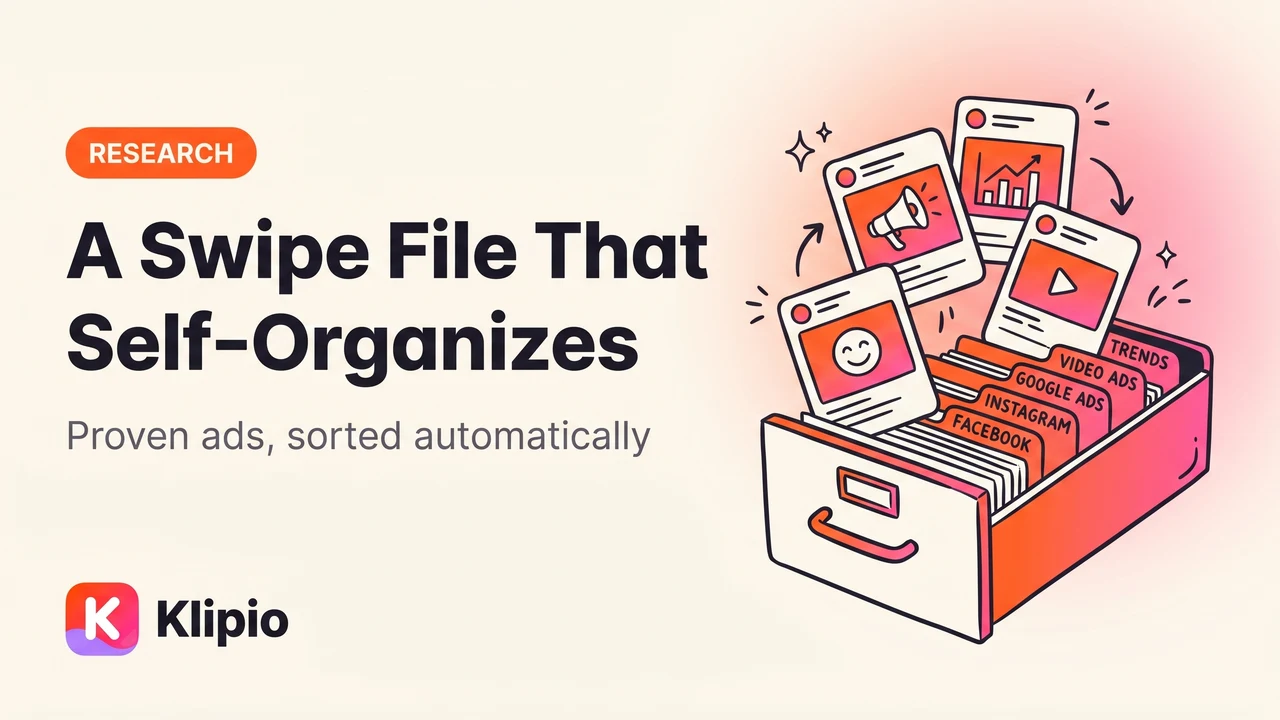
A Facebook ads swipe file is a saved, searchable library of ads that already worked — the actual videos and images, the copy, who ran them, and how long they ran. You build one by saving ads from the Meta Ad Library into a system you can search later, and in this post I'll show you three ways to do that, including one where the file names, the search index, and the spreadsheet build themselves.
I've kept a swipe file for every account I've run. When it's good, it cuts briefing time in half. When it's bad, it's a folder called "inspo" with 400 screenshots nobody has opened since March. The difference is entirely in how you capture and organize, so let's get that part right.
What is a swipe file actually for?
Three jobs, and if your swipe file isn't doing them, it's a screenshot graveyard.
A pattern library. One great ad tells you nothing. Fifteen ads in your niche that all open with a customer complaint before showing the product — that's a pattern, and patterns are what you actually test. The swipe file exists so you can line up enough examples to see the pattern.
A briefing tool. When I brief a designer or editor, I don't describe what I want. I send three swipes and say "this hook structure, this pacing, our product." The brief writes itself and the first draft comes back closer. Vague briefs produce vague creative; swipes produce specific creative.
Client proof. "Your top three competitors have all been running founder-story videos for 90+ days" lands very differently when you can play the actual ads in the meeting. A swipe file with dates and run-times turns your recommendations from opinion into evidence.
Notice what's not on the list: hoarding. Saving ads you'll never review is not a swipe file, it's a coping mechanism. More on the review habit below.
Why do screenshots and bookmarks fail?
Almost everyone starts with one of two systems, and both quietly rot.
Bookmarks fail because the Ad Library forgets. The Meta Ad Library only shows active ads (outside the EU). The moment an advertiser pauses a campaign, the ad vanishes and your bookmark points at nothing. The best ads — the ones that ran for months and then got retired — are exactly the ones that disappear. If a creative is worth studying, you have to save the actual asset the day you find it. I covered every way to do that in my full guide to downloading Ad Library videos.
Screenshots fail because they capture pixels, not ads. A screenshot of a video ad is one frame of a thing whose entire value is motion and pacing. It doesn't capture the primary text above the creative, the headline, or the CTA. And screenshots aren't searchable: six months in, finding "that UGC ad with the before/after hook" means scrolling a camera roll. You will not scroll the camera roll. Nobody scrolls the camera roll.
What does a useful swipe entry actually need?
Six fields. If an entry is missing more than one of these, it's decoration.
- The asset itself — the actual video file or image, in original quality, stored where you control it. Not a link.
- The full ad copy — primary text, headline, CTA. Half the swipe value is in the copy, and it's the part screenshots always crop.
- The advertiser — so you can group by brand and spot who's iterating fastest.
- The date you saved it — your file's own timeline.
- How long it ran — the Ad Library shows "Started running on..." for every ad, and longevity is the closest thing to a performance signal Meta gives you. Advertisers only keep paying for ads that work, so an ad that's been live for four months is almost certainly a winner. An entry without the start date has no proof attached.
- An angle tag — one label for what the ad is doing (more on the taxonomy below). This is the field that turns a pile into a library.
The three ways to build one, compared honestly
Option 1: Manual — Notion or Airtable plus screen grabs (free, laborious)
Set up a database with the six fields above, then capture ads by hand: devtools network trick for videos, right-click-save for images, copy-paste for the ad text, type in the advertiser and dates yourself.
The honest tradeoffs: it's free, infinitely customizable, and the act of manually entering each ad forces you to actually look at it, which is not nothing. But it's roughly five minutes per ad done properly, video capture is genuinely fiddly (Facebook often serves video in chunked streams with no clean file to save), and carousels are misery — every card is a separate asset. In practice, manual systems get built enthusiastically and abandoned within six weeks, because the capture cost is high enough that you start skipping ads, and a swipe file you skip ads on stops being trusted.
Use it if: you save fewer than ten ads a month and enjoy tending databases.
Option 2: Foreplay — the paid category leader ($59/mo)
Foreplay is the tool most creative teams pay for, and it's fair to say it's the best paid product in this specific category. You save ads with their extension, everything lands on shared boards, and the briefing workflow — turning saved swipes into structured briefs for editors — is genuinely well built. Pricing starts at $59/mo, or $49 on annual.
The honest tradeoffs: for an agency team where five people share boards and pump out briefs all day, it earns its money. For a solo buyer or a small brand, $59 every month is a real cost for what is, at its core, saving and tagging. If you're weighing it against the broader spy-tool market — AdSpy, Minea, BigSpy and the rest — I compared them all in my ad spy tools roundup.
Use it if: you're a team, briefs are your daily output, and the subscription is a rounding error.
Option 3: The free way — an export that arrives pre-organized
Full disclosure: this one is our free extension, so weigh my bias accordingly. But it exists because of exactly the failure modes above.
The Klipio Meta Ad Library Downloader adds a download button to every ad inside facebook.com/ads/library. The part that matters for swipe files is bulk mode: hit "Find all ads" on any Ad Library search — a competitor, a keyword, a niche — and it scrolls the whole result set, collects every running ad, and packs everything into one ZIP. Duplicates are collapsed automatically, and you can choose videos, images, or everything.
What lands in that ZIP is the swipe file, already assembled:
- Every video in original HD and every image, with files named by advertiser and date — no renaming session.
- A searchable swipe board: an index.html that opens in any browser, where you can search by hook, CTA, or advertiser, play the ads in place, copy the ad text, and jump to the original in the library.
- A CSV of every ad, ready to import into Notion or Airtable if you still want a database layer on top.
That's five of my six required fields captured automatically — asset, copy, advertiser, date, run-time. The only thing left for a human is the angle tag, which is the one field that genuinely benefits from human judgment anyway. It's 100% free, no account or sign-up, and it runs in your browser on your own connection — nothing passes through Klipio's servers.
Use it if: your swipe file's raw material is the Meta Ad Library (for most of us, it is) and you'd rather spend your time tagging and reviewing than capturing.
How should you tag ads by angle?
Keep the taxonomy small. Every failed swipe file I've inherited had 40 tags; every working one had about six. Mine:
- Pain-point — opens on the problem, product arrives as relief.
- Social proof — reviews, ratings, "50,000 customers," press logos.
- Us-vs-them — direct comparison against the old way or a named category.
- Founder story — a human explains why the product exists.
- UGC — shot to look like a customer made it, native pacing, phone footage.
- Offer — the deal is the hook: bundle, discount, guarantee.
One primary tag per ad. If you're torn between two, pick what the first three seconds are doing — the hook is the angle.
Then the habit that makes the whole thing pay: review weekly, brief from patterns. Fifteen minutes, once a week. Open the board, filter by tag, and ask what's showing up repeatedly this month that wasn't last month. When one angle keeps appearing across several advertisers — that's multiple companies independently paying to keep that approach live — it goes into the next brief. Send the designer the three best examples of the pattern, name the structure you want copied, and let your product fill it. Copy the angle, never the asset — re-running someone else's creative is a fast way into trouble, and the angle is the valuable part anyway. (Not legal advice, just the obvious line.)
One last note: MagicBrief, which a lot of teams used for exactly this workflow, was acquired by Canva and shut down on July 31, 2026. If you're one of the people migrating a swipe file out of it right now, I wrote a full breakdown of the MagicBrief alternatives.
FAQ
How do I save a Facebook ad video? The Ad Library has no download button, so you need a workaround: the devtools network trick (filter for .mp4 in the Network tab), a paste-the-URL web downloader, or a Chrome extension that adds a download button to the library directly. Our free extension does the last one — one click per ad, original HD, no watermark. All five methods are compared step by step in this guide.
How do I save ads from the Facebook Ad Library? Open facebook.com/ads/library, search the advertiser or keyword, and capture the ads before they vanish — the library drops ads as soon as advertisers pause them. For one or two ads, manual methods are fine. For a whole search's worth, a bulk tool that exports everything to one ZIP is the only sane option, since a single brand can have dozens of active ads.
What is ad creative? Ad creative is the content of the ad itself — the video or image, the primary text, the headline, and the call to action — as distinct from the targeting and budget settings around it. On Meta in 2026, creative is the biggest lever you control, which is exactly why teams keep swipe files of creative that's proven to work.
What should go in an ad swipe file? Six things per entry: the actual asset, the full copy, the advertiser, the save date, how long the ad has been running, and an angle tag. The run-time matters most — advertisers only keep paying for ads that perform, so longevity is your proof-of-winner signal.
The Klipio extension adds a download button to every ad in the Meta Ad Library: one click per ad, or bulk-save a whole search as a ZIP with a searchable swipe file inside. Free, no sign-up.
Get the free Ad Library downloaderKlipio reads a competitor's live Meta ads, ranks them by how long they have been running — the honest signal that an ad is profitable — and turns the winning angle into on-brand creative for your own brand. 3-day free trial.
Start free — 3-day trial →