How to Exclude a Saved Audience in Meta Ads
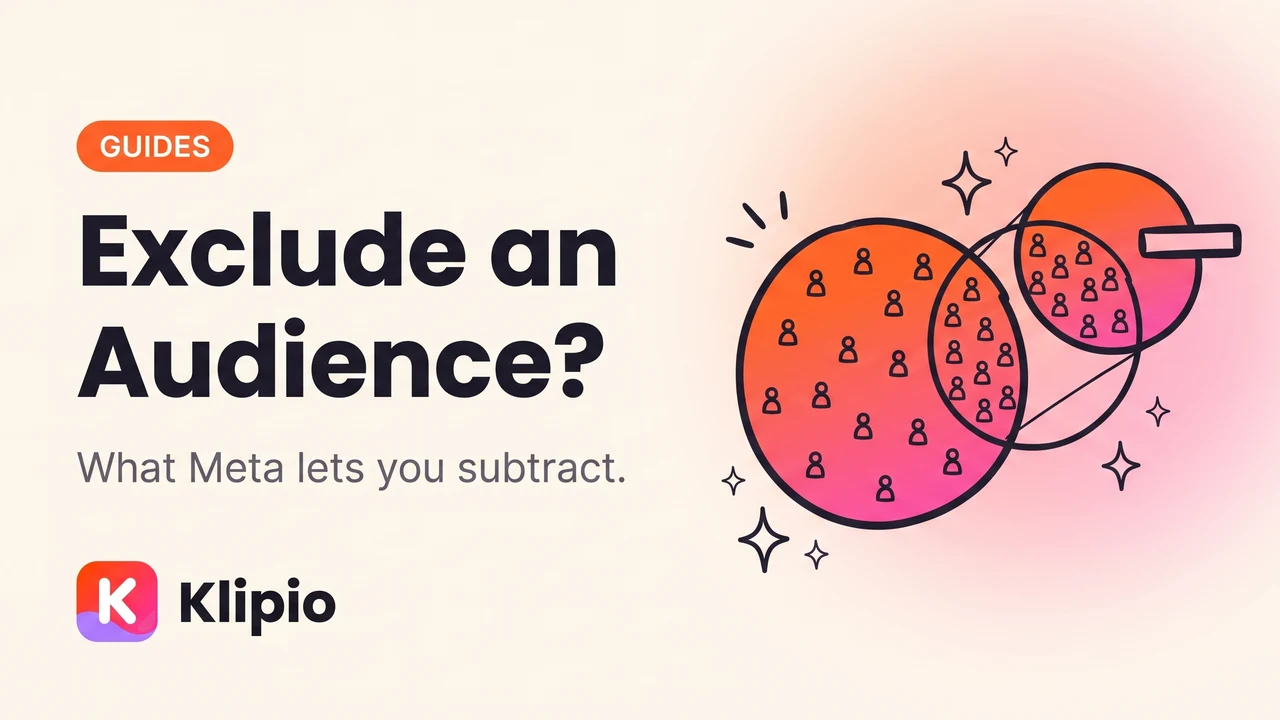
You cannot exclude a saved audience in Meta Ads, and that is by design rather than a missing feature. A saved audience is a stored bundle of targeting settings — country, age, interests — not a list of specific people, so there is no set of individuals for Meta to subtract.
What you can exclude is a custom audience or a lookalike, and that covers nearly every real reason someone goes looking for this. Here's the distinction and the two workarounds.
Why can't I exclude a saved audience?
Because of what a saved audience is.
When you build targeting in an ad set — United Kingdom, women 25 to 45, interested in yoga — and click Save, Meta stores those settings under a name. Reusing it later reapplies the same filters. It does not store a list of who matched.
A custom audience is the opposite. It's built from actual identifiers: a customer email list you uploaded, people who fired your pixel, people who watched a video, people who engaged with your Instagram account. It resolves to specific accounts, which is exactly what makes it subtractable.
| Saved audience | Custom audience | |
|---|---|---|
| What it stores | Targeting settings | Specific people |
| Built from | Location, age, interests, behaviours | Your data — pixel, list, engagement |
| Can be excluded? | No | Yes |
| Can be used as a lookalike seed? | No | Yes |
Exclusion needs a list, and only custom audiences are lists. Once that lands, the whole feature makes sense.
What can I actually exclude?
In the ad set's audience section, the exclusion field accepts custom audiences and lookalike audiences. Add one or several, and anyone in them is removed from delivery for that ad set.
The exclusions that earn their place:
Recent purchasers. The clearest case. Showing a prospecting ad to someone who bought yesterday wastes budget and irritates a customer you already have.
Current converters in a retargeting window. If a warm campaign is working a 30-day site-visitor pool, exclude the purchasers from it so you stop paying to convert people who already converted.
Your own existing list, for acquisition campaigns. Upload the customer list as a custom audience and exclude it from prospecting so the budget goes to new people.
Overlapping ad sets. If two ad sets in the same campaign target overlapping warm pools, excluding one from the other keeps them from bidding against each other.
What is the workaround for excluding a saved audience?
Rebuild the trait you actually care about as a custom audience, then exclude that.
Nobody genuinely wants to exclude "UK women 25 to 45 interested in yoga" as a block. What they want is to exclude the people in that group who already did something — bought, subscribed, visited. That "already did something" is always a custom audience.
The second route, if you genuinely need a settings-based split: build two saved audiences that do not overlap in the first place. Rather than targeting 18 to 65 and trying to exclude 18 to 24, target 25 to 65. Exclusion is the wrong tool for a filter you can set directly.
Does excluding an audience hurt performance?
It can, and this is where people overcorrect.
Every exclusion shrinks the pool Meta can deliver to. A smaller pool means the auction has fewer options, which tends to push CPM up and can slow a campaign out of the learning phase. The mechanics of that price pressure are in what CPM is and how to lower it.
A sensible line:
- Exclude buyers from prospecting. Almost always correct.
- Exclude converters from the retargeting pool they converted out of. Correct.
- Exclude every past visitor from prospecting. Usually a mistake — many people visit, forget, and need reaching again.
- Stack five exclusions on a small audience. Reliably a mistake, and the most common cause of an ad set that suddenly cannot spend.
Frequency is the metric that tells you whether you actually have an over-exposure problem worth excluding for. Rising frequency with falling results is the signal — see what frequency means in Facebook ads.
Can I exclude an audience across a whole campaign?
Exclusions are set at ad set level, so they apply to that ad set only. Setting the same exclusion across a campaign means applying it to each ad set.
Advantage+ campaigns handle audiences differently, using your inputs as signals rather than hard constraints in some configurations. If you rely on exclusions for a business reason — suppressing customers, honouring a request — verify the behaviour in the specific campaign type you are running rather than assuming it carries over. Advantage+ explained covers where your settings stop being rules.
A related point worth stating, since it comes up in the same searches: you cannot exclude or target a competitor's customer list. You have no access to it. What you can and cannot do around rivals' audiences is covered in targeting a competitor's audience on Facebook.
A checklist before you exclude anything
Four questions, in order.
- Is the thing I want to exclude a list of people? If not, it isn't an exclusion — it's a targeting change.
- Does that list already exist as a custom audience? If not, build it from the pixel, a file upload or an engagement source first.
- How big is the audience after the exclusion? Ads Manager shows the estimate. If it collapses, reconsider.
- Will I remember why this exists in three months? Name it so you will.
FAQ
Can you exclude a saved audience on Facebook?
No. A saved audience stores targeting settings such as location, age and interests rather than a list of specific people, so there is nothing for Meta to subtract. Exclusions accept custom audiences and lookalikes only.
What is the difference between a saved audience and a custom audience?
A saved audience is a reusable set of targeting filters you configured. A custom audience is built from real identifiers — your customer list, pixel activity, video views, or Instagram engagement — and resolves to specific people, which is why only custom audiences can be excluded or used as a lookalike seed.
How do I stop showing ads to existing customers?
Upload your customer list as a custom audience, or build a purchase-based custom audience from the pixel, then add it to the exclusion field of your prospecting ad sets. Refresh an uploaded list periodically, since a static file goes stale as you gain customers.
Does excluding an audience increase my CPM?
It can. Every exclusion reduces the pool Meta can deliver to, and a smaller pool generally means more expensive impressions and slower exit from the learning phase. Exclude buyers and current converters, and avoid stacking many exclusions on an already narrow audience.
Can I exclude an audience from a whole campaign?
Exclusions are configured per ad set, so applying one campaign-wide means setting it on each ad set. Some Advantage+ configurations treat audience inputs as signals rather than strict limits, so confirm the behaviour in the campaign type you are actually running.
Why did my ad set stop delivering after I added an exclusion?
The exclusion probably shrank the eligible audience below a workable size, especially if several were stacked or the base audience was already narrow. Remove exclusions one at a time and watch the audience size estimate to find which one emptied the pool.
The Klipio extension adds a download button to every ad in the Meta Ad Library: one click per ad, or bulk-save a whole search as a ZIP with a searchable swipe file inside. Free, no sign-up.
Get the free Ad Library downloaderKlipio reads a competitor's live Meta ads, ranks them by how long they have been running — the honest signal that an ad is profitable — and turns the winning angle into on-brand creative for your own brand. 3-day free trial.
Start free — 3-day trial →