Ad Library Chrome Extension: What Actually Matters in 2026
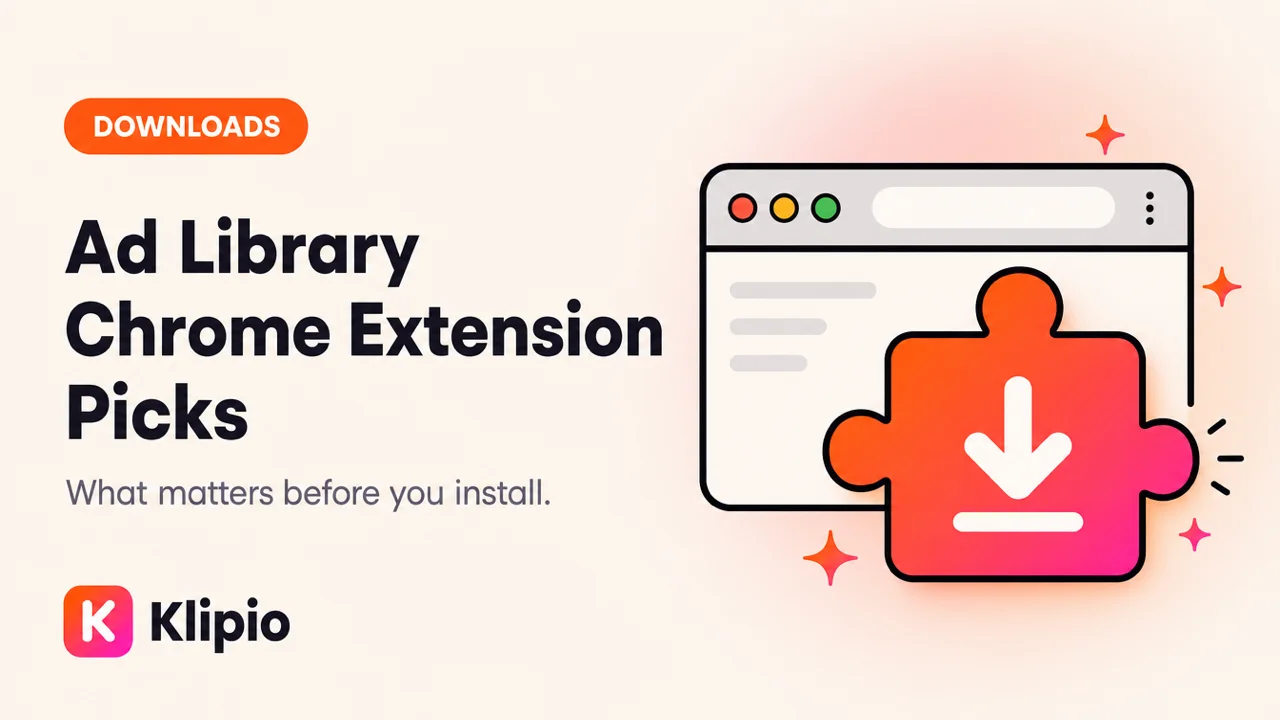
An ad library chrome extension is a browser add-on that sits on Meta's Ad Library page and adds what Meta left out: a way to save ads before they disappear. The library at facebook.com/ads/library is free and public. It is also built for transparency, not for media buyers who need a permanent swipe file.
If you landed here searching "ad library chrome extension," you probably already know the browse part. The stuck part is keeping what you find.
Why does an ad library chrome extension exist at all?
Because Meta will not ship a download button.
The Ad Library shows every active commercial ad on Facebook and Instagram, worldwide, with no login required for the basic view. In the EU it also shows inactive ads plus limited reach and targeting fields under DSA rules. For US political ads it shows spend ranges. For the commercial ads most brands care about, you get creative, page name, and a start date.
You do not get a save button. You do not get bulk export. You do not get a folder that survives when the advertiser pauses the ad. Once an ad is paused, it is gone from the live library for good in most commercial cases outside the EU retention rules.
That gap is the entire product category. Extensions inject a Download control onto the page you already use. Some stop there. Some add bulk "find all ads" packs, CSV exports, or a local swipe board. Paid SaaS tools go further with team boards and alerts — those are usually not pure extensions anymore.
What should you check before you install any ad library chrome extension?
Ignore feature grids until you can name the job in one sentence.
- One-off save vs ongoing watch. If you grab three carousels a month for a brief, a free extension is enough. If your team tags fifty competitors every week, you are shopping for a workflow product, not a download button.
- Full carousel vs first card. Some tools only pull the first image. That is useless for carousel research. Confirm "every card" before you install.
- Original quality vs compressed preview. Right-click save in the library often yields a weak preview. A serious extension pulls the asset the advertiser uploaded.
- Account wall. Free that still demands a signup is freemium in disguise. Decide if you care before you paste an email.
- Permissions. Read the Chrome Web Store listing. An extension that needs to see every site you visit is a different risk profile than one scoped to the Ad Library host.
How does a free extension compare to paid ad-spy suites?
Paid tools like Foreplay (from $59/mo, $49 billed annually), Minea (from $49/mo), PowerAdSpy (from $69/mo), and AdSpy ($149/mo, no trial) sell ongoing collection, filters, and in some cases cross-platform coverage. They are real products for real jobs. They are also the wrong purchase if you only needed a download button on a page you already open.
A free ad library chrome extension covers the library gap: save video in HD, pull full carousels, optionally bulk a search into a ZIP. Disclosure: Klipio's Meta Ad Library Downloader is ours. It is free, needs no account, runs on your connection, and is listed on the Chrome Web Store. Weigh that section accordingly.
What signals can an extension actually show you?
Longevity. That is the honest answer.
Every card shows when the ad started. Advertisers cut losers fast. An ad still spending after 60–90 days is one someone keeps funding. Extensions that surface or sort by that date are helping you read Meta's public signal. Extensions that imply exact competitor spend for normal commercial ads are estimating. Meta does not publish that number for ordinary advertisers.
For a wider paid-tool map, see best ad spy tools. For a Facebook-specific extension roundup we already published, see Facebook Ad Library Chrome Extension. This post is the category brief: what an ad library chrome extension is for, and how not to buy the wrong job.
How do you use an ad library chrome extension in a real workflow?
A clean loop looks like this:
- Open facebook.com/ads/library. Search the page name or a keyword in your niche.
- Filter to the platforms and countries you care about.
- Scan for old start dates first, not the prettiest creative.
- Save the winners with your extension — video, image, or full carousel.
- Write the angle in one sentence: hook, offer, proof. Brief your team from the angle, not from a copied asset.
- If you collected a whole search, use bulk ZIP + CSV so you are not renaming files by hand.
That is research. Re-uploading someone else's exact creative as your own ad is a different act. This is not legal advice; if you are unsure, ask a lawyer before you publish.
When should you skip an extension entirely?
Skip if you only needed to screenshot one static for a Slack thread — native screenshot is fine. Skip if your company blocks all Chrome extensions and you cannot get an exception; in that case look at web-based one-ad tools or a managed research seat. Skip if you thought the extension would replace Meta Ads Manager reporting. It will not. It saves public ads. It does not pull your account metrics.
If you want a head-to-head of downloaders rather than the category decision, use best Meta Ad Library downloaders. If you are new to the library itself, start with the Meta Ad Library guide.
What should you do this week?
- Install one free ad library chrome extension and save three long-running ads in your category.
- Write the angle for each in one sentence.
- Generate or brief only from those sentences for seven days.
- Only then decide whether you still need a paid swipe-file or spy suite.
If you want the free save layer we build, install from the Meta Ad Library Downloader page or the Chrome Web Store listing.
FAQ
What is an ad library chrome extension?
It is a Chrome add-on that works on Meta's Ad Library page and adds download, bulk save, or research helpers Meta does not provide natively. The library itself stays free and public; the extension is the save layer.
Is there an official Meta download button?
No. Meta built the Ad Library for transparency. Extensions exist because media buyers need to keep ads that can vanish when paused.
Are ad library chrome extensions free?
Some are fully free. Others are freemium or paid. Klipio's extension is free with no account. Paid spy tools that include browser components typically start around $49–$149 a month depending on the vendor.
Can an extension show competitor ad spend?
Not exactly for normal commercial ads. Meta does not publish precise commercial spend in the library the way people wish it did. Longevity is the reliable public signal.
Is it legal to download ads from the Ad Library?
Downloading public ads for research is standard practice among media buyers. Reusing someone else's exact creative commercially is a separate question. This is not legal advice.
How is this different from a paid ad spy tool?
An extension mainly saves what you see in the live library. Paid spy tools add databases, filters, alerts, team boards, and sometimes other platforms. Buy the database when the job is ongoing monitoring — not when you only needed a download button.
The Klipio extension adds a download button to every ad in the Meta Ad Library: one click per ad, or bulk-save a whole search as a ZIP with a searchable swipe file inside. Free, no sign-up.
Get the free Ad Library downloaderKlipio reads a competitor's live Meta ads, ranks them by how long they have been running — the honest signal that an ad is profitable — and turns the winning angle into on-brand creative for your own brand. 3-day free trial.
Start free — 3-day trial →