Why Won't My Facebook Ad Publish? Rejections Explained
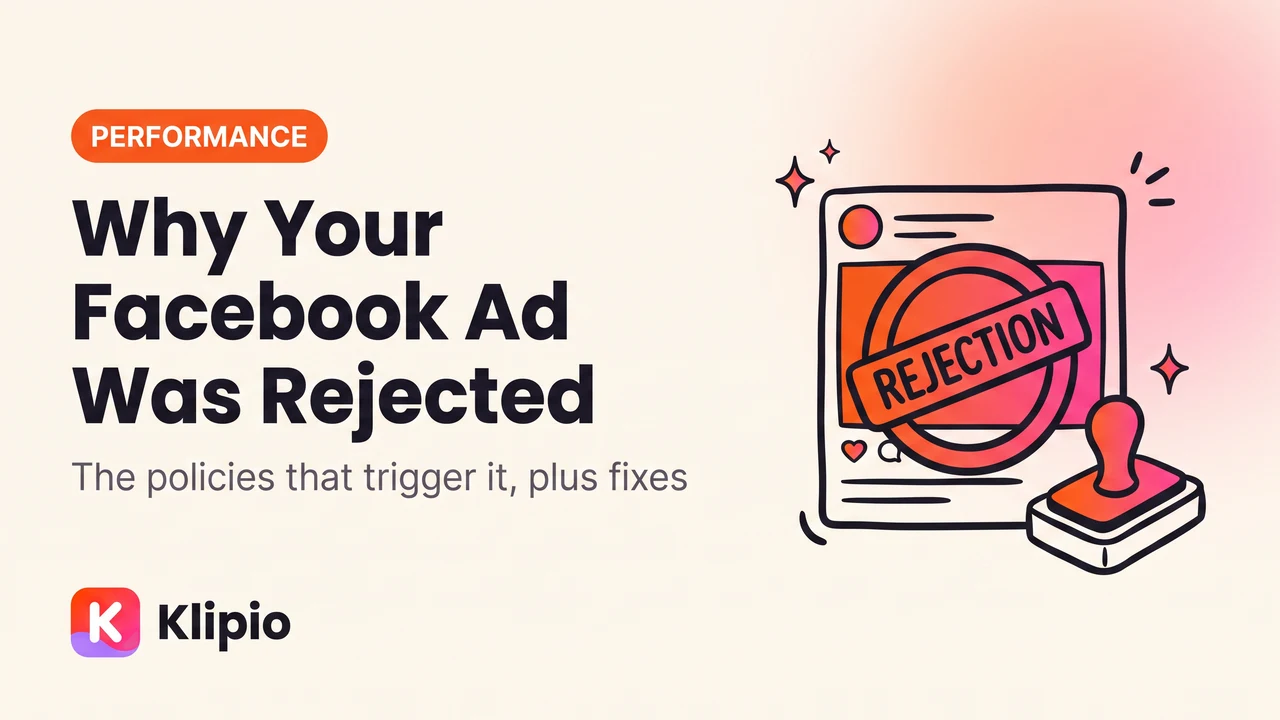
If your Facebook ad won't publish, it is either still in review (normal for up to 24 hours) or it has been rejected against a specific policy that Meta names in the notification. Open the ad in Ads Manager, click the rejection notice, and read the policy it cites: in the large majority of accounts the cause is one of four policies, not a mysterious algorithm.
Those four are personal attributes, unrealistic or exaggerated outcomes, restricted content categories, and a landing page that doesn't match the ad. Everything else is a long tail.
How long should ad review take?
Most ads clear within a few hours. Meta's stated target is 24 hours, and in practice the overwhelming majority finish well inside that. Slower cases: brand-new ad accounts, restricted categories, ads with a lot of on-image text, and anything submitted into a holiday surge.
An ad sitting "In review" for more than 24 hours is worth acting on. Editing it (even trivially) re-queues it, which sometimes shakes it loose. Before you do that, check that the delay isn't a different problem in disguise — an ad that cleared review but has zero spend is a delivery issue, not a review issue, and that is a separate diagnosis covered in why your Facebook ad isn't delivering.
What actually gets ads rejected?
Personal attributes
The most common rejection and the least intuitive. Meta prohibits ads that assert or imply knowledge of a person's personal characteristics: health condition, race, religion, sexual orientation, financial status, criminal history, membership of a group.
The rule catches ordinary marketing copy because of the word "your". "Struggling with your anxiety?" implies you know the reader has anxiety. "Are you in debt?" implies financial status. "Meet other single parents" implies relationship status.
The fix is almost always a rewrite in the third person or the general case:
- Rejected: "Your back pain doesn't have to control you."
- Accepted: "Back pain affects millions of people. Here's one approach that helps."
- Rejected: "Tired of being overweight?"
- Accepted: "A weight-loss programme built around slow, sustainable changes."
Same offer, no implied knowledge of the reader.
Unrealistic outcomes and exaggerated claims
Ads promising specific financial, health or physical results get rejected, especially with numbers and timeframes. "Make £5,000 a month from home", "lose 10kg in two weeks", "guaranteed approval" are all in this bucket. Before-and-after body imagery is treated harshly, as is anything implying a guaranteed income.
The fix is to describe the method rather than promise the result, and to drop guarantees from ad copy even when your refund policy genuinely is a guarantee.
Restricted categories
Some categories are allowed but gated: alcohol, gambling, dating, subscription services, financial products, pharmaceuticals, weight loss, political and social issue advertising. These need written permission, a declared special ad category, or both, and they carry extra targeting restrictions.
Political and social-issue ads specifically require identity verification and a "Paid for by" disclaimer. Running one without the declaration is an automatic rejection.
Fully prohibited categories are worth knowing so you don't waste days: tobacco and vaping, illegal drugs and most supplements making drug-like claims, weapons and ammunition, adult content, surveillance and spyware, multi-level marketing income claims, and cryptocurrency products without prior written permission.
Landing page mismatch
This is the one people never suspect, because the problem isn't in the ad. Meta reviews the destination too. An ad gets rejected if the page:
- Doesn't deliver what the ad promised (ad sells a course, page sells a coaching call)
- Blocks Meta's crawler, is behind a login, or errors
- Has aggressive interstitials or automatic downloads
- Has no clear way to contact the business, no terms, no privacy policy
- Sells something in a prohibited category even though the ad avoided naming it
If the copy passes obvious checks and it still won't run, load the URL in an incognito window from a different country if you can, and look at it as a reviewer would.
Other common triggers
- Grammar and formatting. Excessive capitals, symbol-substituted letters, and strings of punctuation read as spam.
- Adult-adjacent imagery. Skin-heavy fitness or lingerie creative gets caught by automated review often.
- Brand impersonation. Using another company's logo, screenshots of their app, or "as seen on" media logos without rights.
- Non-functional interactive elements. Fake play buttons, fake checkboxes, or images made to look like the Facebook interface.
What should I do the moment an ad is rejected?
- Read the actual policy name. Ads Manager links to the specific policy from the rejection. Guessing costs you a review cycle.
- Compare against a version that runs. If a similar ad in the account is live, diff them. The difference is usually one sentence.
- Edit the existing ad rather than rebuilding. Editing resubmits it automatically and keeps the ad's history. Duplicating loses that.
- Request review once if you believe it's wrong. The button is on the rejection notice. Human review overturns automated decisions reasonably often, particularly for personal-attributes and adult-content flags.
- Wait. Do not resubmit the same asset repeatedly. That pattern is what escalates into account-level restrictions.
Why was my ad rejected with no reason I can see?
Two situations produce this.
The first is a generic notice pointing to a broad policy page rather than a specific rule. That usually means automated review flagged it with low confidence. Request review; these are the ones most often overturned.
The second is that the rejection is really account-level. If several unrelated ads were rejected at once, check Account Quality in Business Manager. A Page restriction, a failed business verification, or an unresolved policy issue on the account will reject new ads regardless of their content, and no amount of copy editing will fix it.
How do I stop getting rejected in the first place?
Two habits do most of the work.
Write the copy against the personal-attributes rule from the start. Never use "your" with a condition, status or identity. Describe the problem in the world, not in the reader.
Study ads that are already running in your category. This is the underrated one. Every active ad on Facebook and Instagram is public in the Meta Ad Library, which means every ad you can see there has, by definition, passed review. If competitors in a sensitive category are running a particular phrasing, that phrasing is approvable. If nobody in your category makes a specific claim, there is usually a reason.
I keep a folder of approved competitor ads in the categories I work in, sorted by how long each has been running, because the long-running ones are both compliant and effective. The Ad Library has no download button and no history — ads vanish when advertisers stop them — so saving them takes a tool. Our free extension, Klipio's Meta Ad Library Downloader, adds a download button to every ad and can pack a whole search into one ZIP with a searchable index and CSV (disclosure: Klipio is our product; the extension is free and needs no account). The method is in downloading Facebook Ad Library videos, and how to study winning Facebook ads covers what to look for once you have them.
FAQ
How long does Facebook ad review take?
Most ads are reviewed within a few hours, and Meta's stated target is 24 hours. New ad accounts, restricted categories and busy shopping periods take longer. If an ad has been "In review" for more than a day, edit it to re-queue it, and check Account Quality for an account-level issue.
What gets a Facebook ad rejected most often?
Personal attributes, by a wide margin. Any copy implying you know the reader's health, finances, identity or situation, usually through the word "your", triggers it. After that: unrealistic outcome claims, undeclared restricted categories, and landing pages that don't match the ad.
Should I edit a rejected ad or make a new one?
Edit the existing ad. Editing automatically resubmits it for review and preserves its history and any learning. Building a duplicate loses that and, if the underlying policy issue is unfixed, simply gets rejected again.
Does requesting review hurt my account?
Requesting review once on an ad you believe was wrongly rejected is a normal, supported action and does not hurt your account. What does hurt is resubmitting the same rejected asset repeatedly without changes, or accumulating many rejections in a short window, both of which can escalate to account-level restrictions.
Why was my ad rejected with no reason given?
Either automated review flagged it with low confidence and gave a generic policy link, in which case requesting review is worthwhile, or the problem is account-level rather than ad-level. Check Account Quality in Business Manager for Page restrictions, verification failures or open policy issues that reject new ads regardless of content.
The Klipio extension adds a download button to every ad in the Meta Ad Library: one click per ad, or bulk-save a whole search as a ZIP with a searchable swipe file inside. Free, no sign-up.
Get the free Ad Library downloaderKlipio reads a competitor's live Meta ads, ranks them by how long they have been running — the honest signal that an ad is profitable — and turns the winning angle into on-brand creative for your own brand. 3-day free trial.
Start free — 3-day trial →