Disclosure: the links on this page are partner links. If you subscribe through them we may earn a commission at no extra cost to you — and the codes make AdSpy cheaper than signing up directly. Our assessment is our own.
Both AdSpy coupon codes, compared
AdSpy has one plan and one price: $149 a month. These two partner codes are the only discounts we have been able to confirm at checkout. They work differently, so the right one depends on how long you plan to stay.
| Coupon code | Discount | The math | You pay | Best if… |
|---|---|---|---|---|
| $75 off the first month | $75 × 1 month = $75 saved | $74 for month 1, then $149 | You want to test AdSpy seriously for a month | |
| $50 off per month, for 3 months | $50 × 3 months = $150 saved | $99 × 3 months, then $149 | You already know you'll use it for a quarter or more |
In one line: want the first month for $75 less → use ADSPY75. Want $50 off for three months → use MEGADSPY. AdSpy accepts one code per account, so choose before you check out.
How to redeem an AdSpy coupon code
- Copy your code. Tap or — it is copied to your clipboard and AdSpy opens in a new tab.
- Open AdSpy through the matching link. Open AdSpy for ADSPY75 or open AdSpy for MEGADSPY. The subscribe screen confirms the partner offer.
- Register with your email, name and a password. Company name is optional.
- Paste the code into the coupon field and check the discounted total before you pay.
How we verify these codes
What we check
- Each code is entered on AdSpy's live subscribe page and the discounted total is confirmed.
- A code only carries the “verified & working” badge while it passes that check.
- If a code stops working we remove it the same day rather than leave a dead coupon up.
If a code doesn't apply
- Make sure you opened AdSpy from the link next to that code — partner codes are tied to partner links.
- Codes are for new subscriptions; they won't apply to an account that has already been billed.
- Try the other code. Only one can be used per account, but either may be accepted.
Coupons verified and working — ADSPY75 applied $75 off month one · MEGADSPY applied $50 off for three months.
What is AdSpy?
Every advertiser on Facebook and Instagram is running a public experiment. Their budgets decide which ads survive, and the survivors tell you what an audience actually responds to. The problem is seeing those experiments: Meta's own Ad Library shows you ads, but gives you almost no way to slice them.
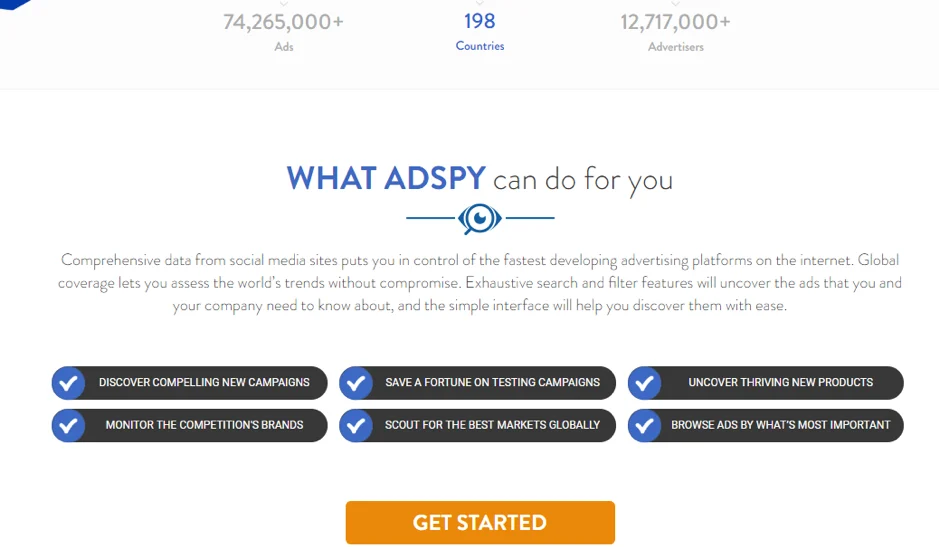
AdSpy is the tool built to fix that. It continuously collects ads from both platforms and stores them in a database you can interrogate — more than 210.9 million ads from 30.1 million advertisers, across 225 countries and 88 languages. Instead of scrolling a feed and hoping, you ask a precise question (“video ads, in German, with a Shop Now button, running on Shopify stores, liked at least 500 times a day”) and get the answer in seconds.
In practice it helps you do six things:
- Find ad campaigns that are already working in your market
- Skip weeks of split-testing by starting from a proven angle
- Spot products that are taking off before they are everywhere
- Keep an eye on specific competitors and brands
- Discover countries and demographics you hadn't considered
- Pull landing pages, redirects and outgoing links behind any ad
Who gets the most out of AdSpy
| If you are… | AdSpy helps you… | Filters you'll live in |
|---|---|---|
| An affiliate marketer | See which offers are being pushed hard right now, and the exact creatives and landers behind them | Networks, Affiliate ID, Offer ID, Landing page text |
| A dropshipper or e-com brand | Catch products gaining traction, and study the ads selling them | Technologies (Shopify, WooCommerce), Daily likes, Media type |
| A media buyer or agency | Build a swipe file per client vertical and brief creatives from evidence | Advertiser, Countries, Buttons, Longest-running sort |
| A brand manager | Monitor what competitors launch and how audiences react in the comments | Comments search, Advertiser, Seen between |
Getting started: signup takes two minutes
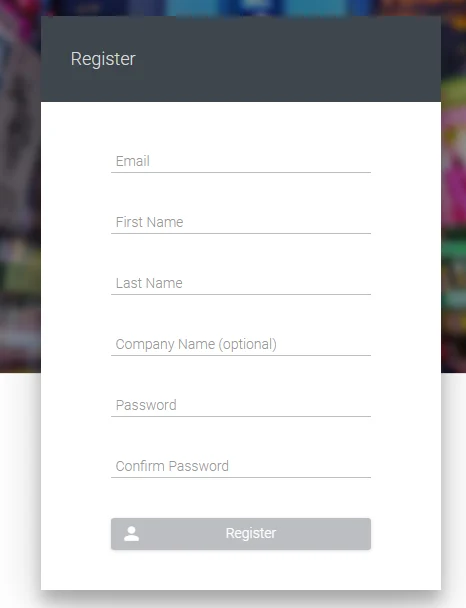
Registration asks for an email, your first and last name and a password. Company name is optional. If you arrive through a partner link, the screen confirms the offer attached to your account before you enter anything.
Once you're in, there is no dashboard to learn. The first thing you see is the search tool, and that's deliberate: everything in AdSpy is a search.
How AdSpy search works
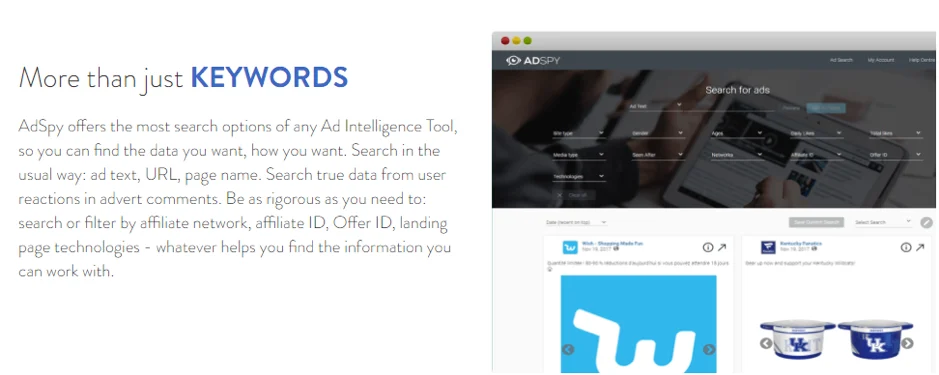
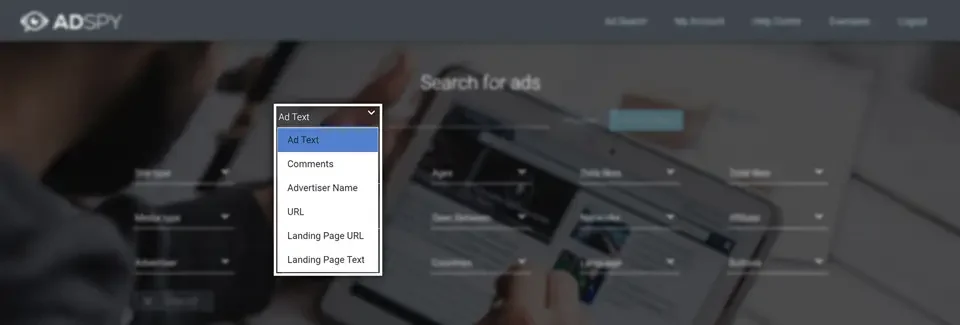
Start with the text box at the top. By default it searches the ad's own copy, but the dropdown beside it changes where AdSpy looks. This one control is the reason people pay for the tool:
- Ad text — the words in the ad itself
- Comments — what real users wrote underneath it
- Advertiser name
- URL and Landing page URL
- Landing page text — words on the page the ad sends people to
Comment search deserves a moment. Type “where can I buy” or “does this work” into it and you surface ads whose audiences are asking buying questions — a far better demand signal than like counts. Type a competitor's brand name and you see every ad where people are talking about them.
Stacking keywords
Type a keyword, press Add to Filters, and it appears as a tag under the search box. Repeat to combine several — for example Christmas shopping, gift card and giveaway. Preview shows results at any stage, so you can see whether you're narrowing in the right direction. Clear All resets, and the Undo button next to it brings your filters back if you cleared by mistake.
All 17 AdSpy filters, tested
Below the search box sits a grid of filters. Each one has its own reset, and they all combine. Here is what each does and when it earns its place.
1Ad text
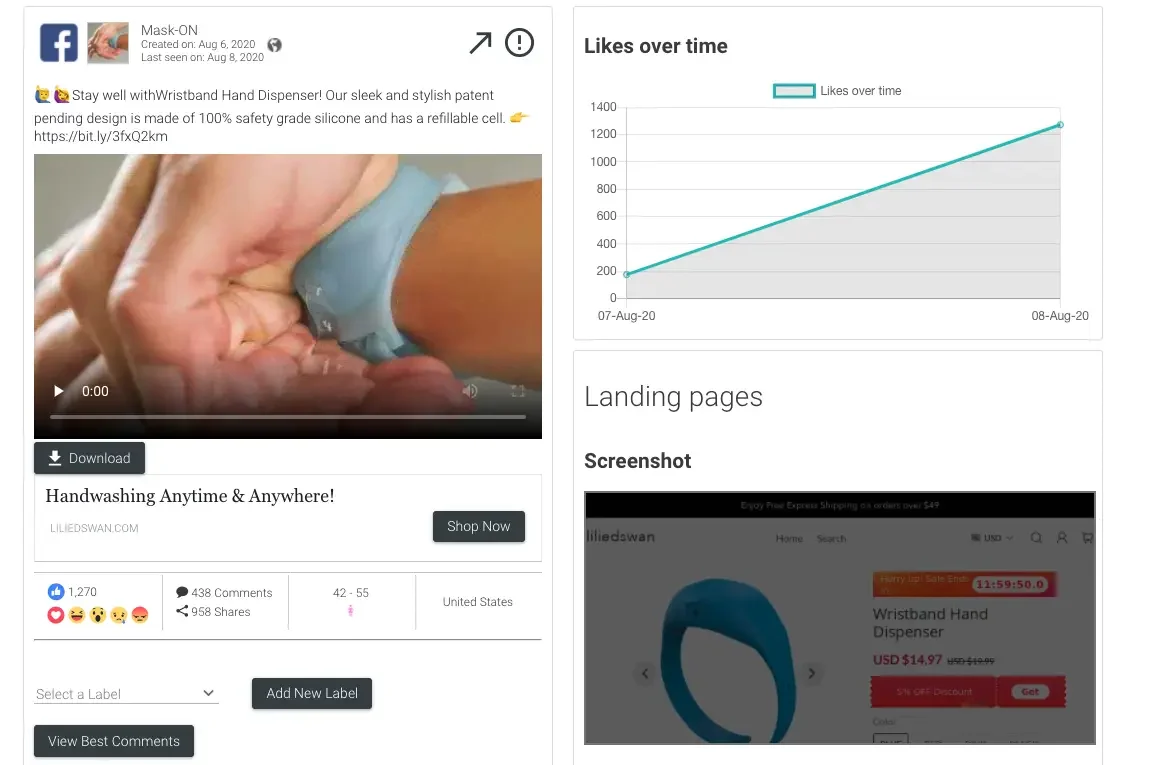
The basic keyword search across ad copy. Results appear almost instantly, and each ad card shows likes, comments, shares, a download button, demographics and a likes-over-time chart.
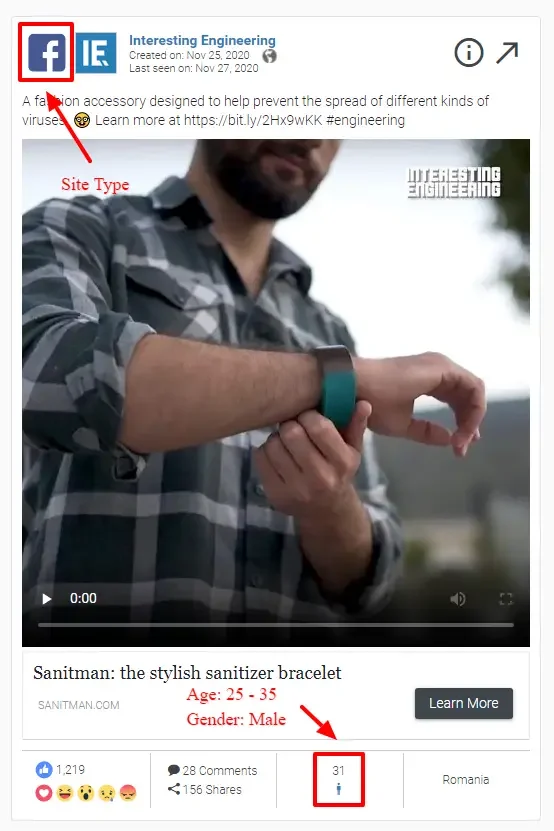
2Site type
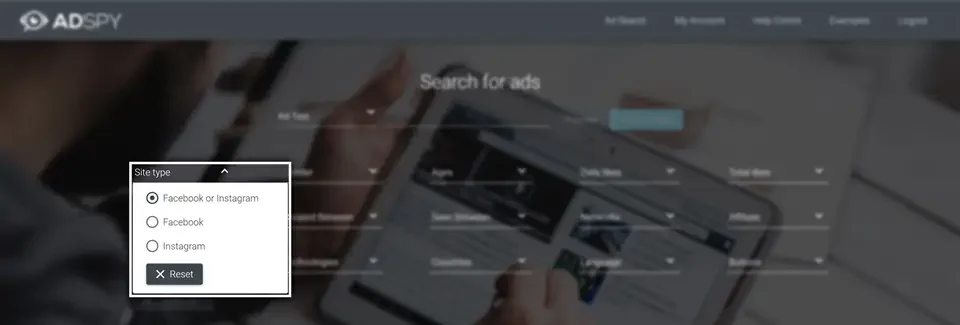
Choose Facebook, Instagram, or both. Useful because the same product often needs a different creative style on each.
3Gender
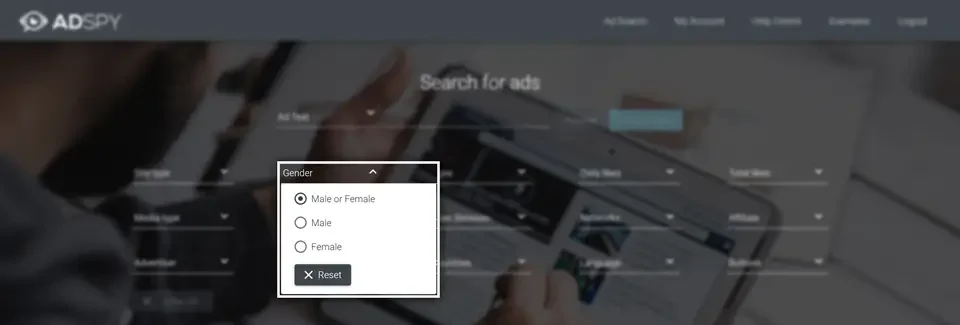
Show ads being delivered mainly to men, to women, or to both. AdSpy infers this from who is actually seeing the ad.
4Ages
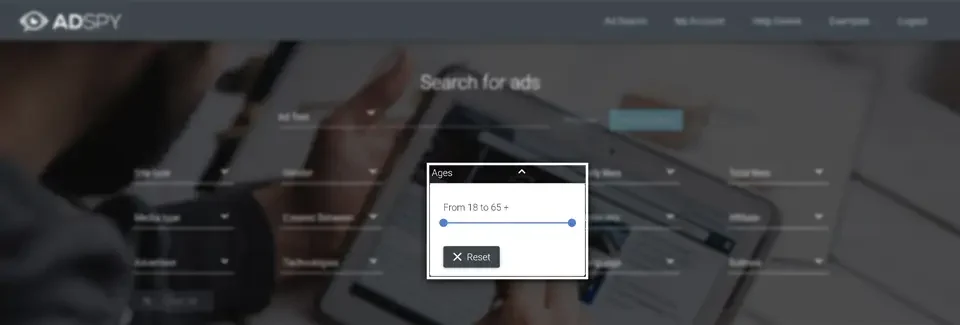
Drag a range to see ads reaching a particular age group.
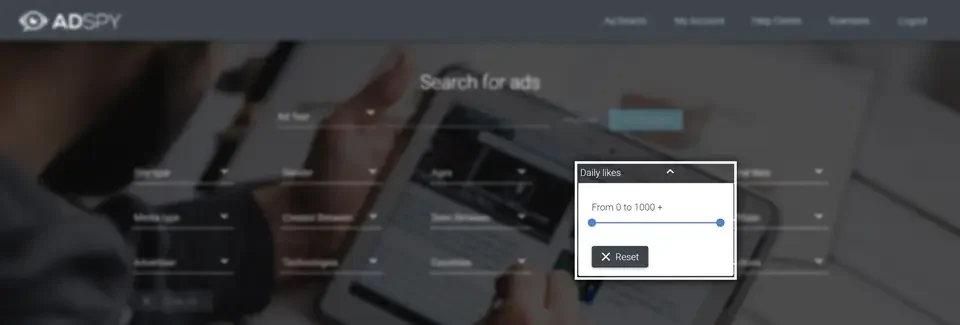
5Daily likes
Filter by how many likes an ad is gaining per day (0 to 1,000+). This is the closest thing to a “what's hot this week” switch.
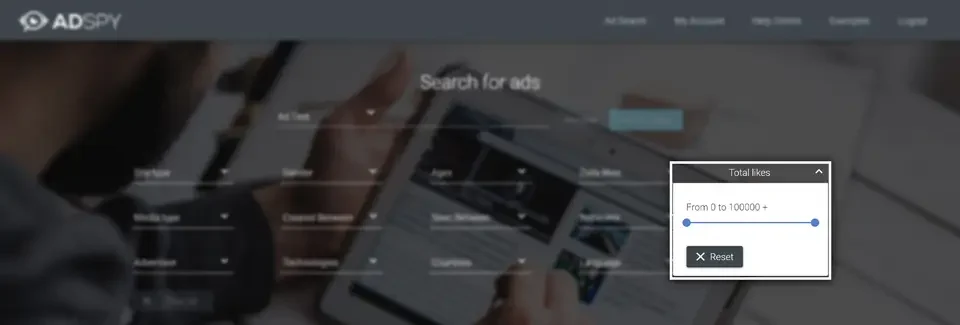
6Total likes
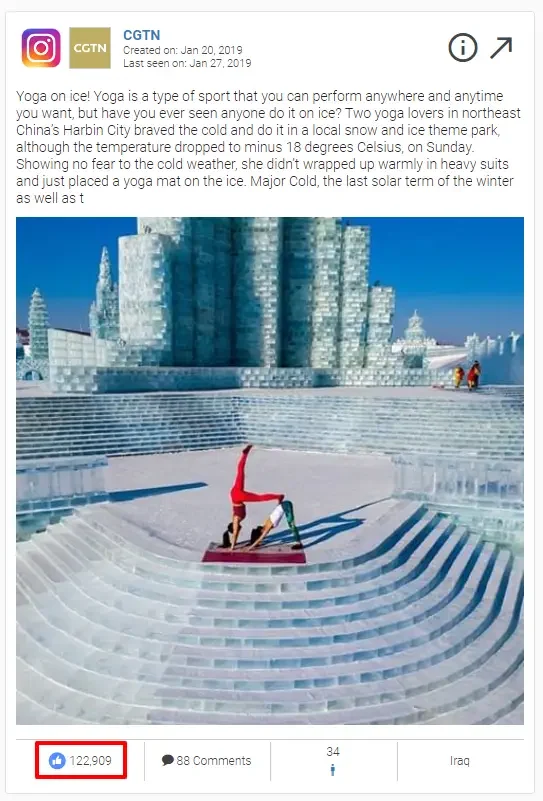
Filter by lifetime likes (0 to 100,000+). Pair a high total with a recent “seen” date to find long-running winners that are still live.
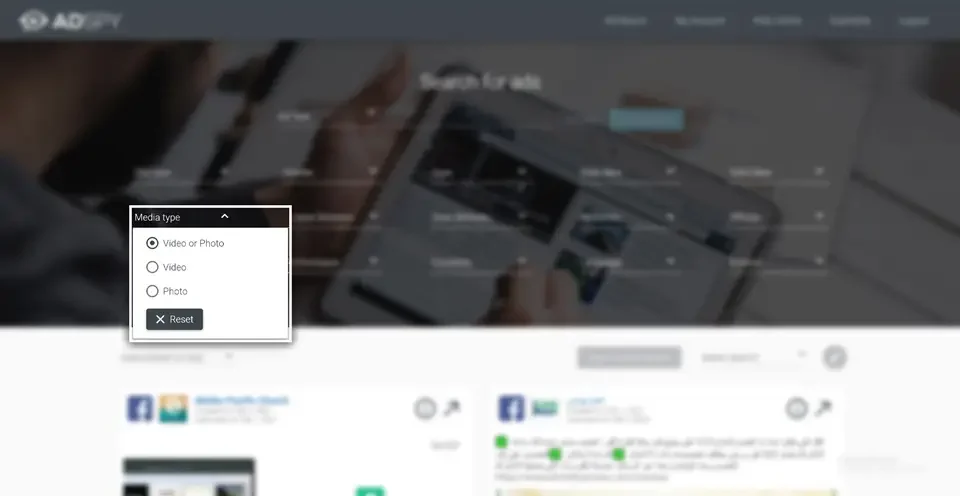
7Media type
Video, photo, or either. If you're briefing a video editor, there's no reason to wade through static images.
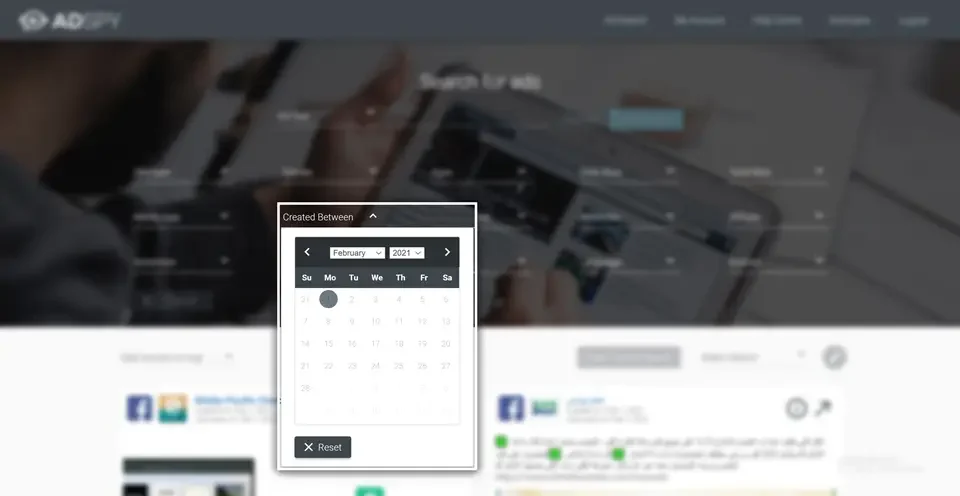
8Created between
Limit results to ads first created inside a date range — handy for studying what launched around Black Friday or a product release.
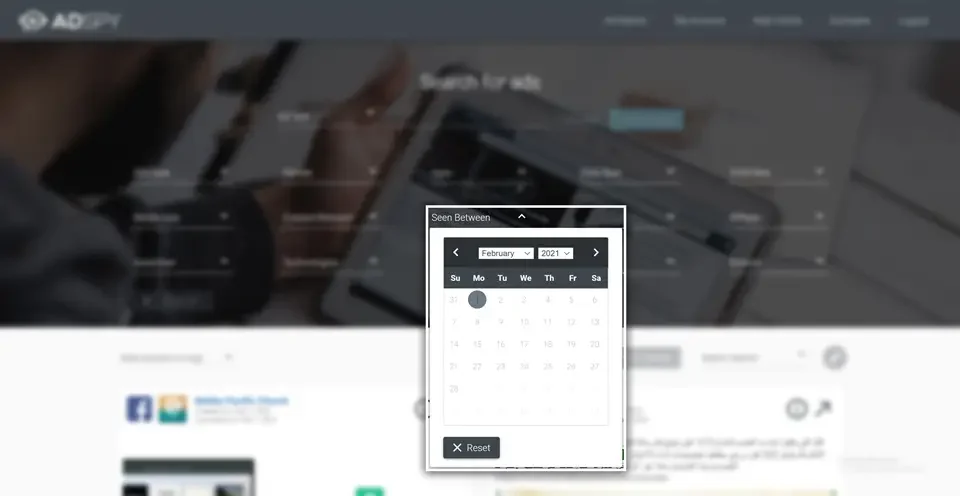
9Seen between
Limit to ads AdSpy observed running inside a date range. “Created long ago, seen recently” is the fingerprint of a profitable ad.
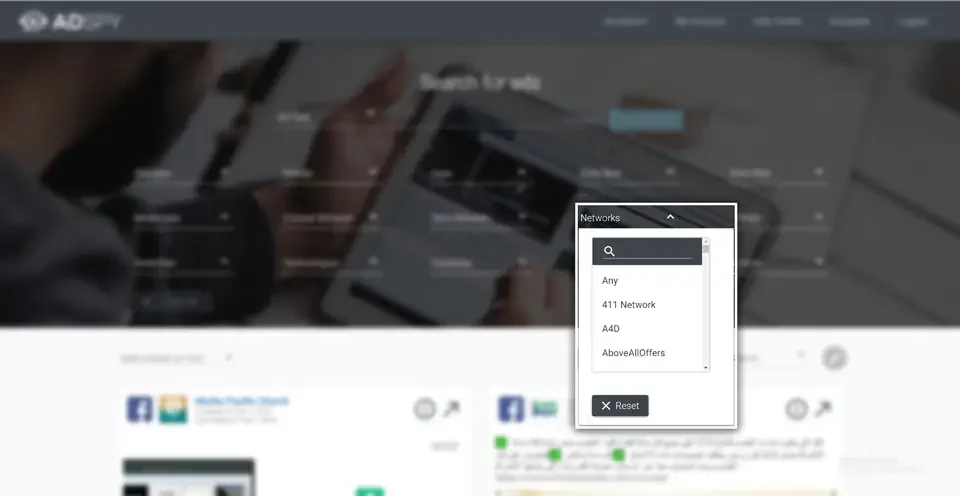
10Networks
Around a hundred affiliate networks are listed — ClickBank, AdCombo, CPALead and many more. Pick yours and see what's being promoted on it.
11Affiliate & offer ID
Enter an affiliate ID or an offer ID and AdSpy returns every ad tied to it. No mainstream ad library offers this.
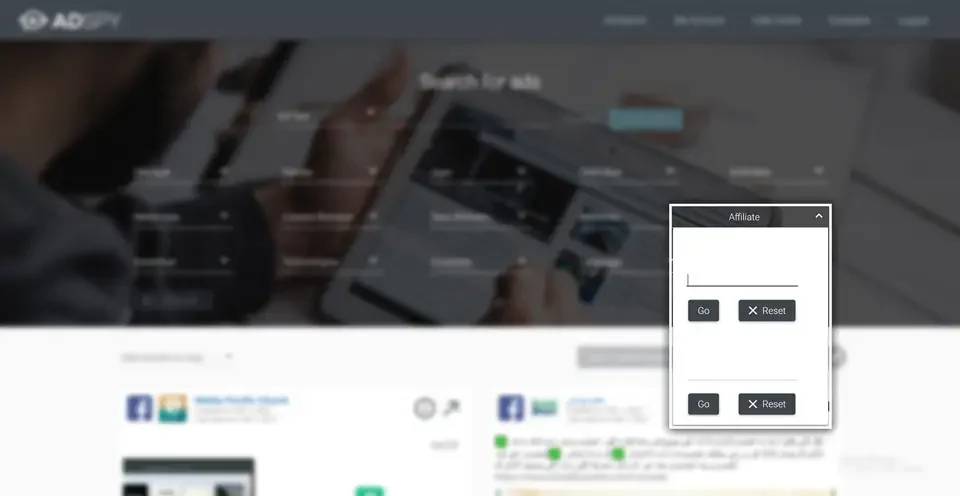
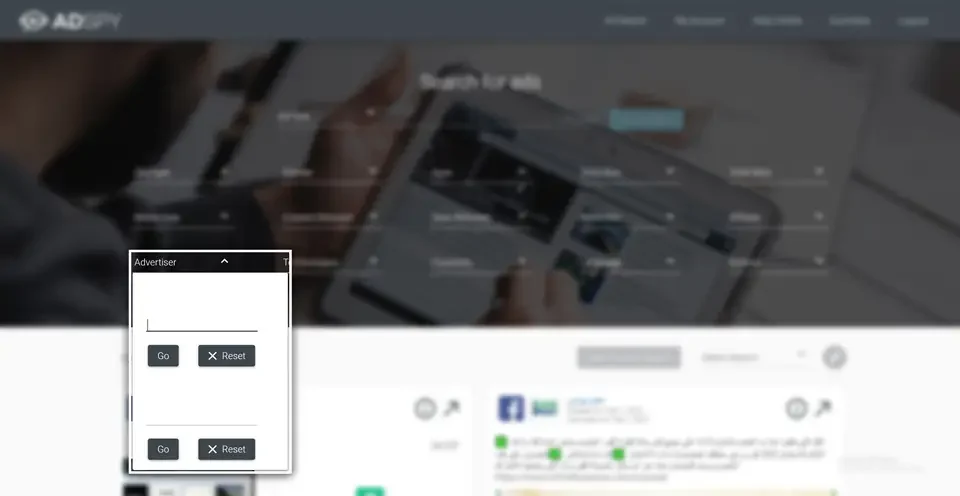
12Advertiser
Type a page name to see only that advertiser's ads. Try a marketplace name such as “Amazon” to browse what's being pushed there.
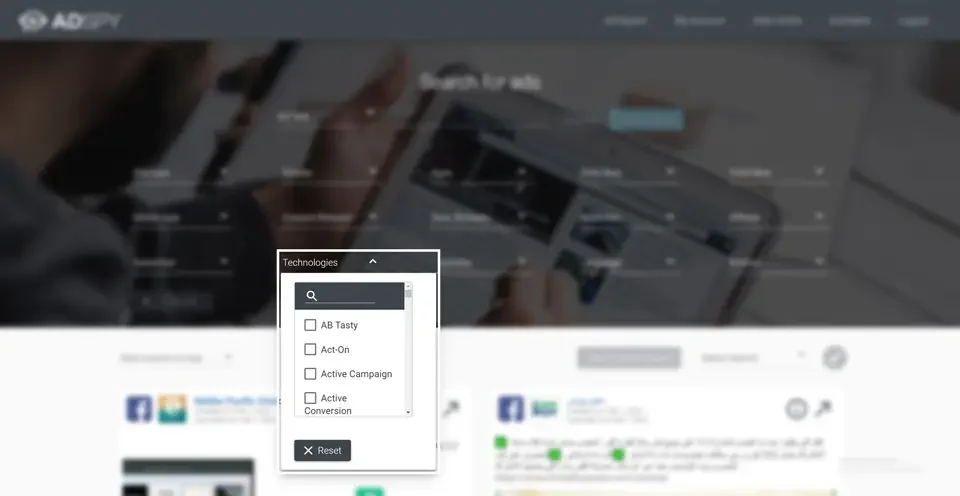
13Technologies
Filter by what's installed on the landing page — Shopify, WooCommerce, specific analytics or funnel tools. For e-commerce research this is the single most useful filter.
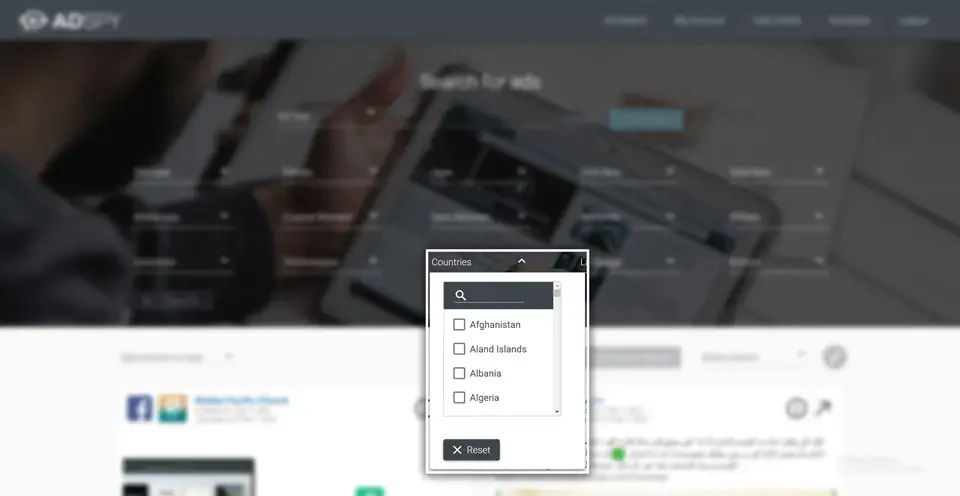
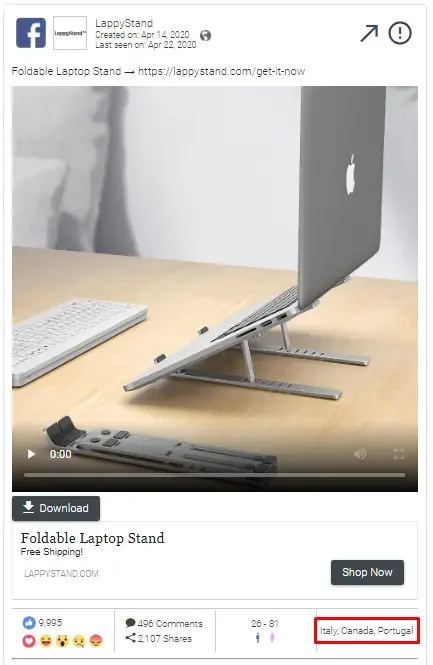
14Countries
Show ads delivered in chosen countries. A product saturated in the US is often untouched elsewhere.
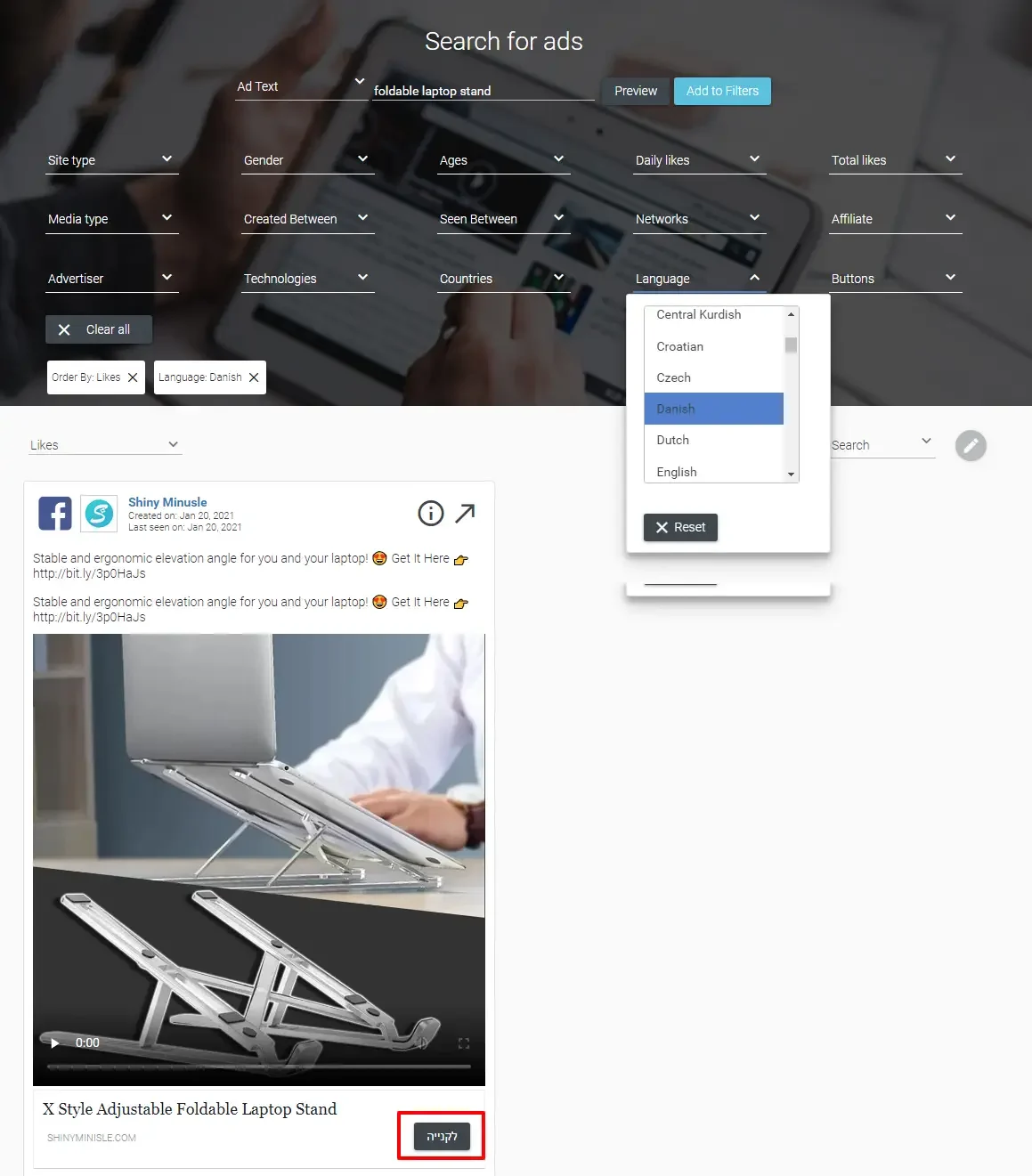
15Language
88 languages. Combine with Countries to find, say, Spanish-language ads running in the United States.
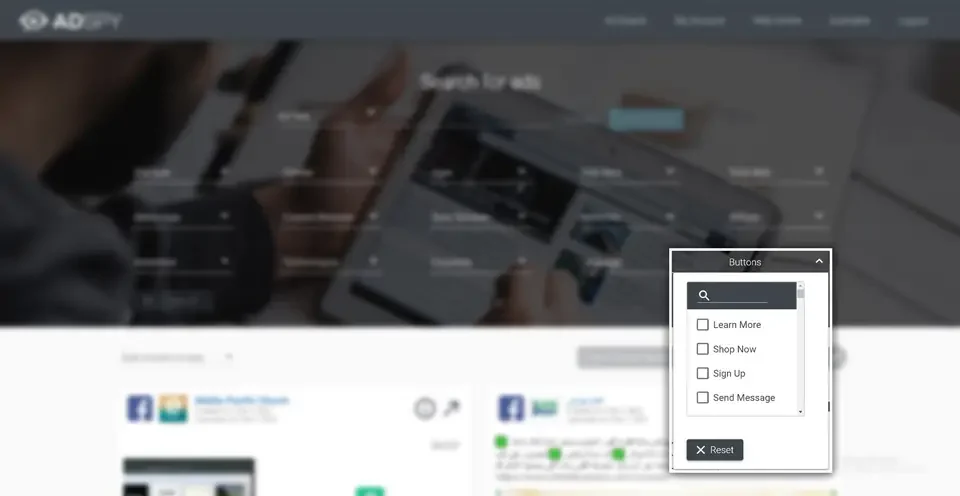
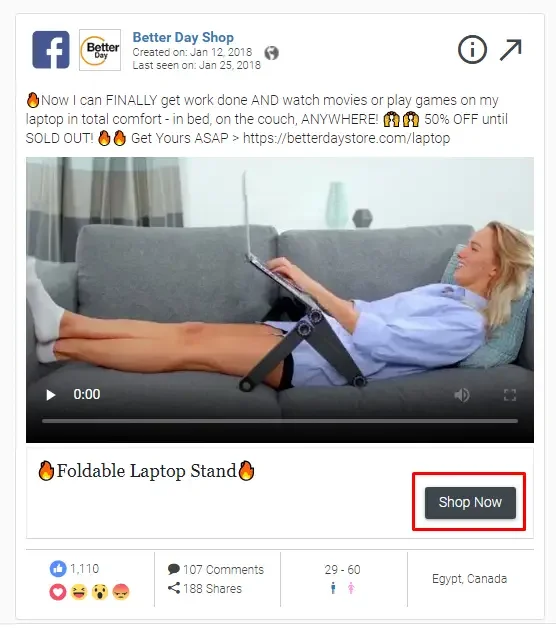
16Buttons
Filter by call-to-action: Shop Now, Learn More, Sign Up, Download, Get Offer and the rest. It quietly doubles as a business-model filter — “Shop Now” is stores, “Sign Up” is lead-gen.
17Comments
Searching inside comments is the feature competitors haven't matched, and the one that most often turns up an idea you wouldn't have found otherwise.
Tip: look for patterns across the top results. When five unrelated advertisers all open a video the same way, that's not coincidence — it's the market telling you what works.
Sorting results and saving searches
Results can be ordered by date (newest or oldest first), by any reaction type — likes, love, haha, wow, sad, angry — by shares, or by longest running. That last one matters most: nobody pays to run a losing ad for six months.
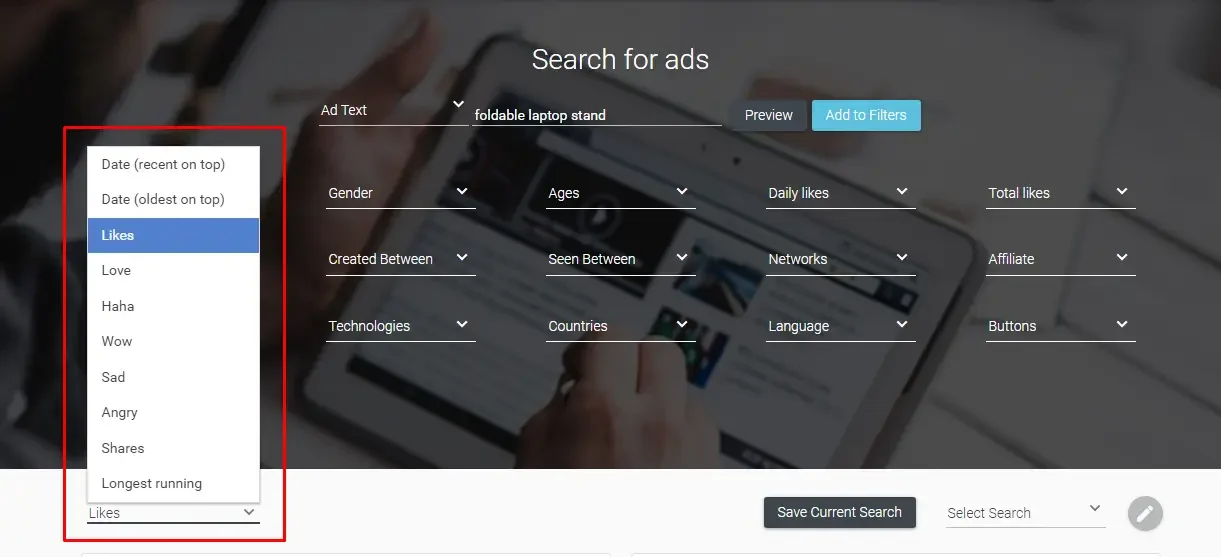
When a combination of filters is worth keeping, press Save Current Search, name it, and it's available from the Select Search dropdown next time. Most users end up with a handful of saved searches they re-run weekly — effectively a standing watch on their niche.

Ad analytics: what you learn from a single ad
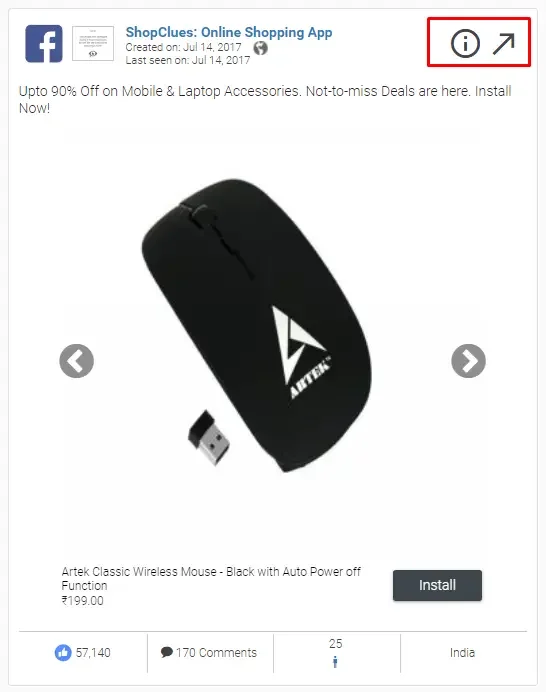
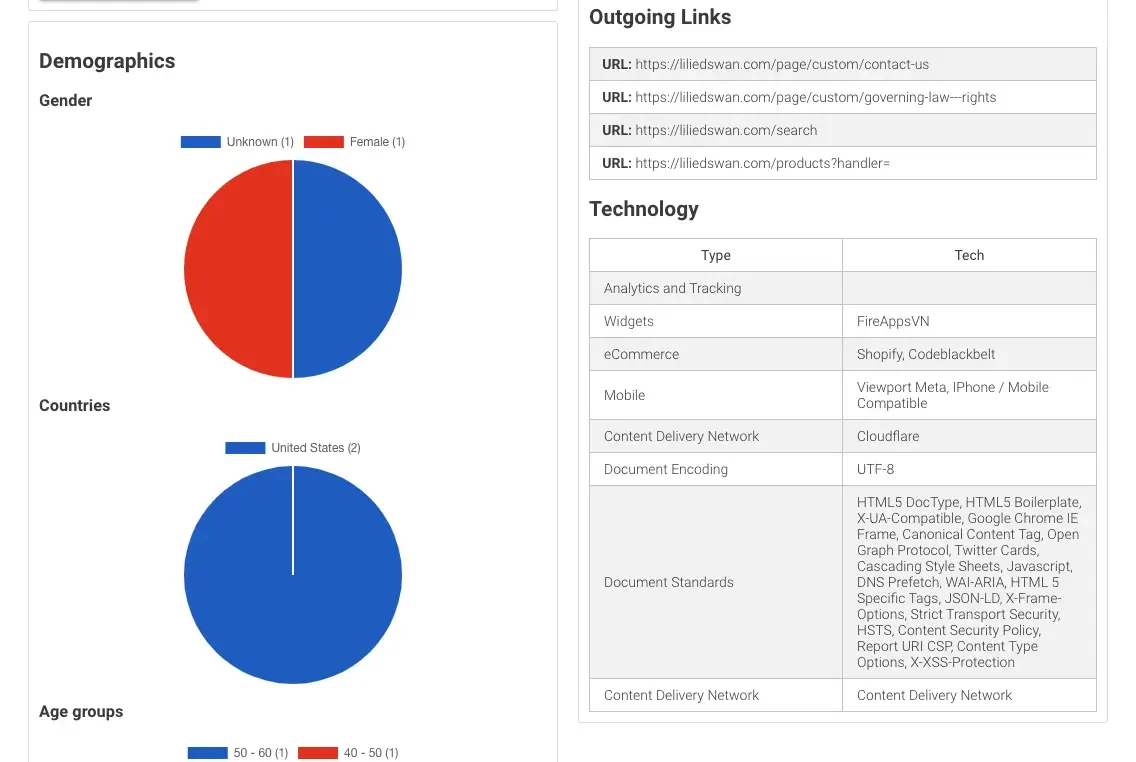
Every result card already tells you the platform, the advertiser, created and last-seen dates, the call-to-action, engagement counts, the audience's age and gender skew, and the countries it ran in. Click the small ⓘ icon for the full breakdown:
- Landing page screenshot and final URL
- Every redirect between the click and the landing page
- All outgoing links on the page
- Demographics by gender, age band and country
- Likes-over-time chart
- Technologies detected on the landing page
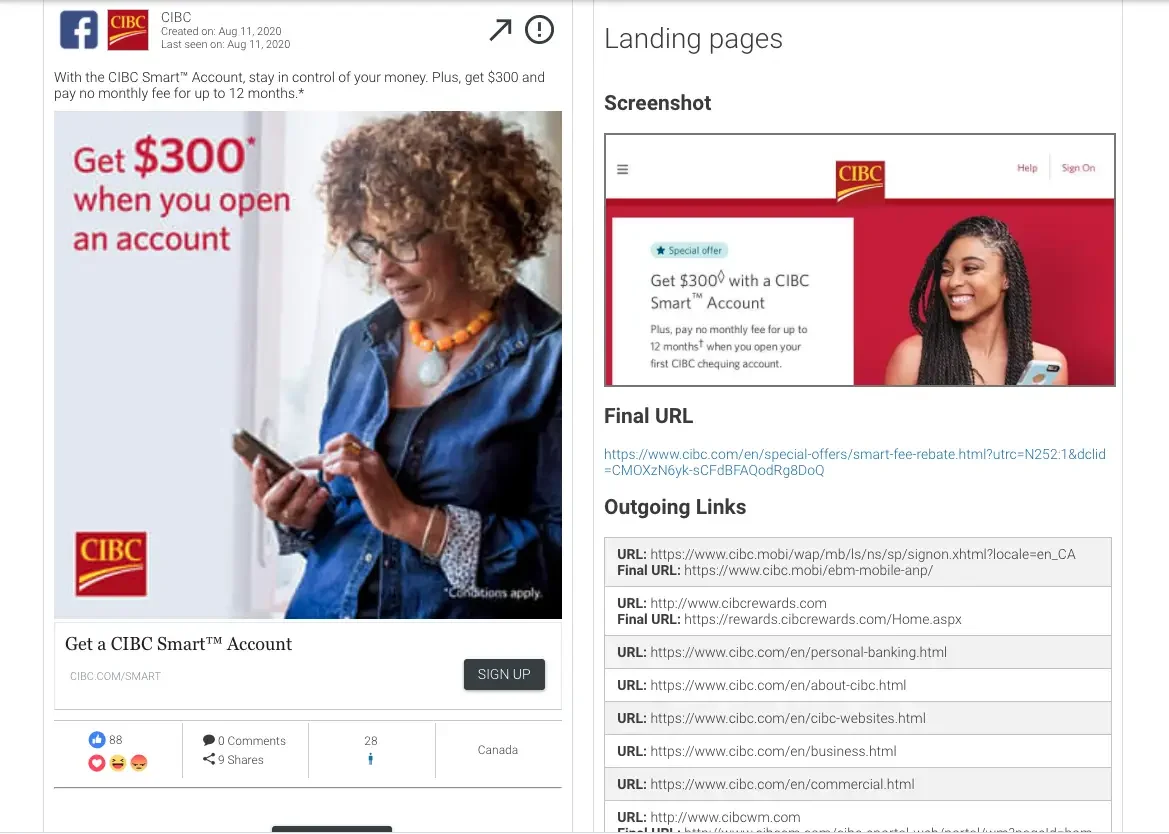
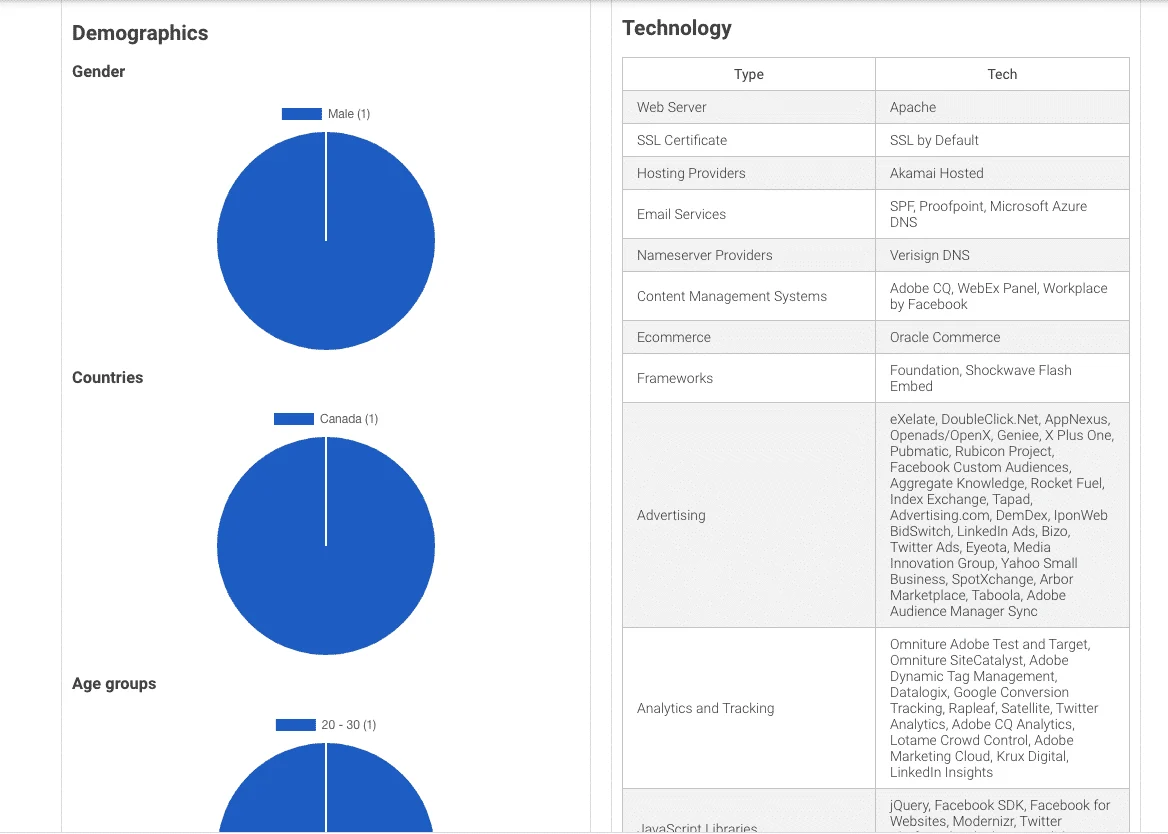
The arrow icon beside it opens the original post on Facebook or Instagram, and clicking the advertiser's icon lists everything else that page is running.
AdSpy also sees through cloakers — the scripts some advertisers use to show reviewers one page and real visitors another — so the landing page you're shown is the one customers actually reach.
Two ways people use AdSpy to make money
Affiliates
AdSpy was built by affiliates and it shows. Searching by network, affiliate ID or offer ID answers the question every affiliate has — what is converting right now? — and the results include the landers and redirect chains, so you can study the full path rather than guess at it.
Dropshipping and e-commerce
Set Technologies to Shopify or WooCommerce, Media type to video, sort by daily likes, and you have a live list of products gaining momentum. Viral products tend to show up here while they're still climbing, which is the only moment it's worth noticing them.
AdSpy pricing
AdSpy keeps pricing simple: one plan, $149 a month, with everything included. There's no “pro” tier hiding the good filters.
You should not pay $149 for your first month, though. Use whichever code fits:
$75 off your first month
Pay $74 instead of $149 for month one.
$50 off for 3 months
Pay $99 instead of $149 for each of your first three months.
Is there an AdSpy free trial?
Not in the usual “14 days free” sense. What AdSpy has offered new accounts arriving through partner links is a small allowance of free ad views to explore with, and then the subscription begins. Treat whatever allowance you're shown at signup as a test drive, and spend it carefully:
- Decide what you want to check before you log in — one niche, one competitor, one offer.
- Build your filters first, then preview. Endless scrolling burns views fastest.
- Open the detail view on a handful of strong ads rather than skimming hundreds.
If you'd rather not ration, the first-month coupon is the practical alternative: gets you a full month for $74.
Pros and cons
What we liked
- The biggest Facebook and Instagram ad database available
- Comment search — genuinely unique, genuinely useful
- Affiliate network, affiliate ID and offer ID search
- Landing pages, redirects and outgoing links included
- One flat price, nothing locked away
What could be better
- $149 is a real commitment without a coupon
- Facebook and Instagram only — no TikTok, no native
- Very broad searches can be slow or time out
- The interface is functional rather than pretty
- Popular niches surface some spammy advertisers
AdSpy coupon code FAQ
What is the best AdSpy coupon code right now?
There are two working AdSpy coupon codes. ADSPY75 takes $75 off your first month, so you pay $74 instead of $149. MEGADSPY takes $50 off each of your first three months — $50 × 3 months = $150 saved. Both are verified and working.
Which AdSpy coupon saves the most money?
MEGADSPY saves the most in total: $50 × 3 months = $150. ADSPY75 saves $75, all in the first month. If you only want to test AdSpy for one month, ADSPY75 makes that month cheaper ($74 versus $99). If you will stay three months or longer, MEGADSPY wins by $75.
How do I use an AdSpy coupon code?
Copy the code, open AdSpy through the matching partner link on this page, register with your email and a password, then paste the code into the coupon field on the subscribe screen and confirm the discounted total before paying.
Can I use ADSPY75 and MEGADSPY together?
No. AdSpy accepts one coupon per account, so choose the one that matches how long you expect to stay.
How much does AdSpy cost without a coupon?
AdSpy has a single plan at $149 per month with every feature included. With ADSPY75 the first month is $74; with MEGADSPY the first three months are $99 each.
Is there an AdSpy free trial?
Not a time-based trial. New accounts arriving through a partner link have been offered a small allowance of free ad views to explore with. If you want unrestricted access, ADSPY75 gives you a full first month for $74.
Do AdSpy coupon codes expire?
Partner codes can be changed by AdSpy at any time. We re-check both codes regularly and only show codes that are verified and working. If a code ever fails, the other one is your fallback.
Is AdSpy worth it for dropshipping and affiliate marketing?
Yes — those are its two strongest use cases. Dropshippers filter by Shopify or WooCommerce and sort by daily likes to spot products gaining momentum. Affiliates search by network, affiliate ID or offer ID to see what is converting, including the landing pages and redirects behind each ad.
Does AdSpy cover TikTok or Google ads?
No. AdSpy focuses entirely on Facebook and Instagram, which is why its coverage of those two platforms is so deep — more than 210.9 million ads from 30.1 million advertisers.
Can I cancel AdSpy anytime?
It is a monthly subscription, so you can cancel before the next billing date. Check the current terms on AdSpy's subscribe page.
Final verdict
AdSpy does one job — letting you search Facebook and Instagram ads with a precision nothing else matches — and it does it extremely well. The interface won't win design awards, and the price is serious. But if finding proven ads is part of how you earn a living, a single good find repays months of the subscription.
Recommended — with a coupon
Start with ADSPY75 if you want a cheap, serious trial month ($75 saved). Go straight to MEGADSPY if you know you'll be using it next quarter ($50 × 3 = $150 saved).
$75 off your first month
Pay $74 instead of $149 for month one.
$50 off for 3 months
Pay $99 instead of $149 for each of your first three months.

Written and maintained by the Klipio editorial team. We cover tools for people who study and run paid social ads. Coupon codes on this page are checked against AdSpy's live checkout. Spotted something out of date? Tell us.